
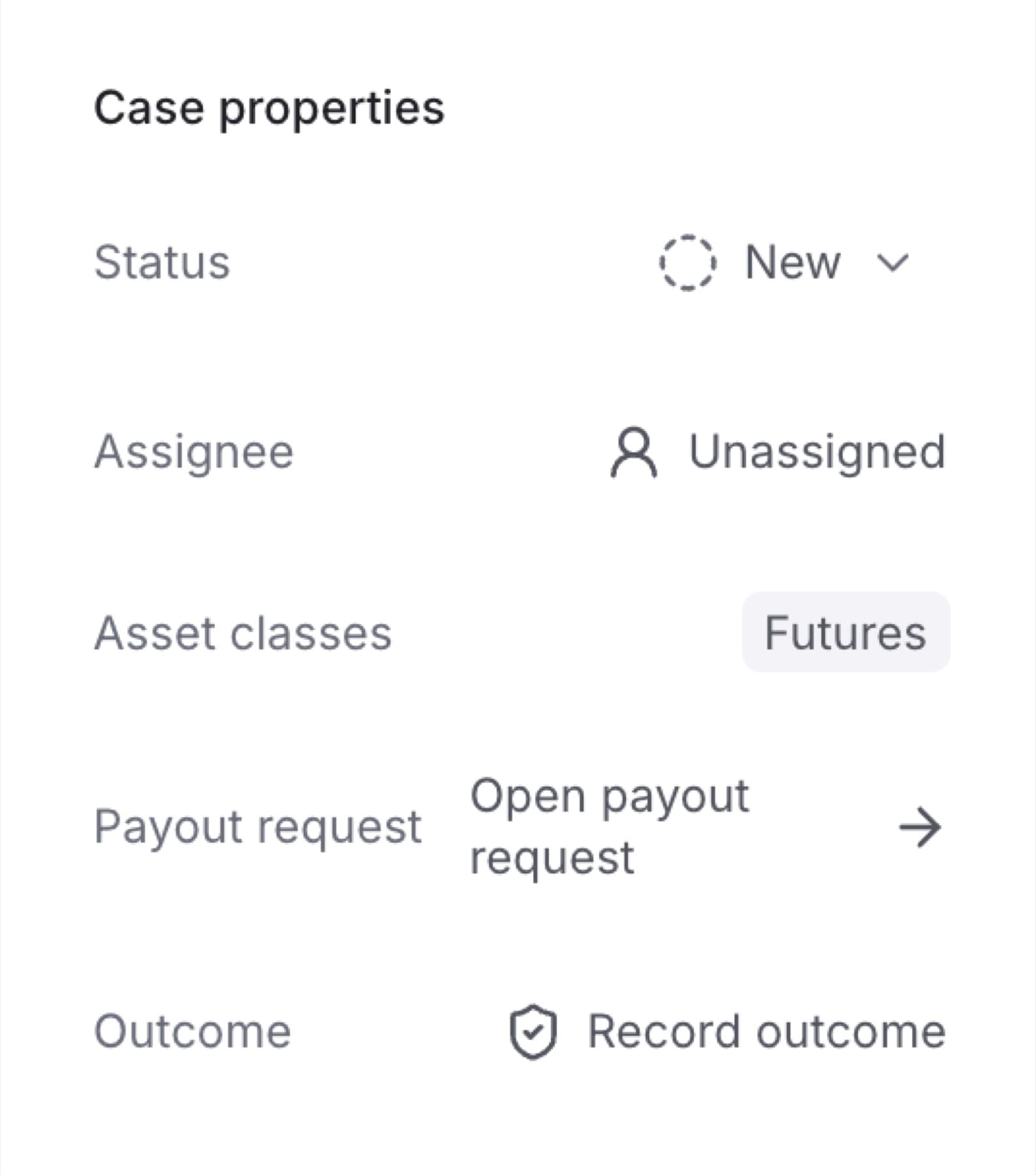
Take a Case to show your team you are working on it. You need the Owner, Admin or Analyst role.
- In the sidebar, under RISK, click Cases.
- Click the Unassigned tab.
- Click the Case you want to work on.
- In Case properties, next to Assignee, click Unassigned.
Tip: If someone else already holds the Case, their name shows here instead. Clicking it takes the Case from them right away, with no confirmation step. Check with them first.
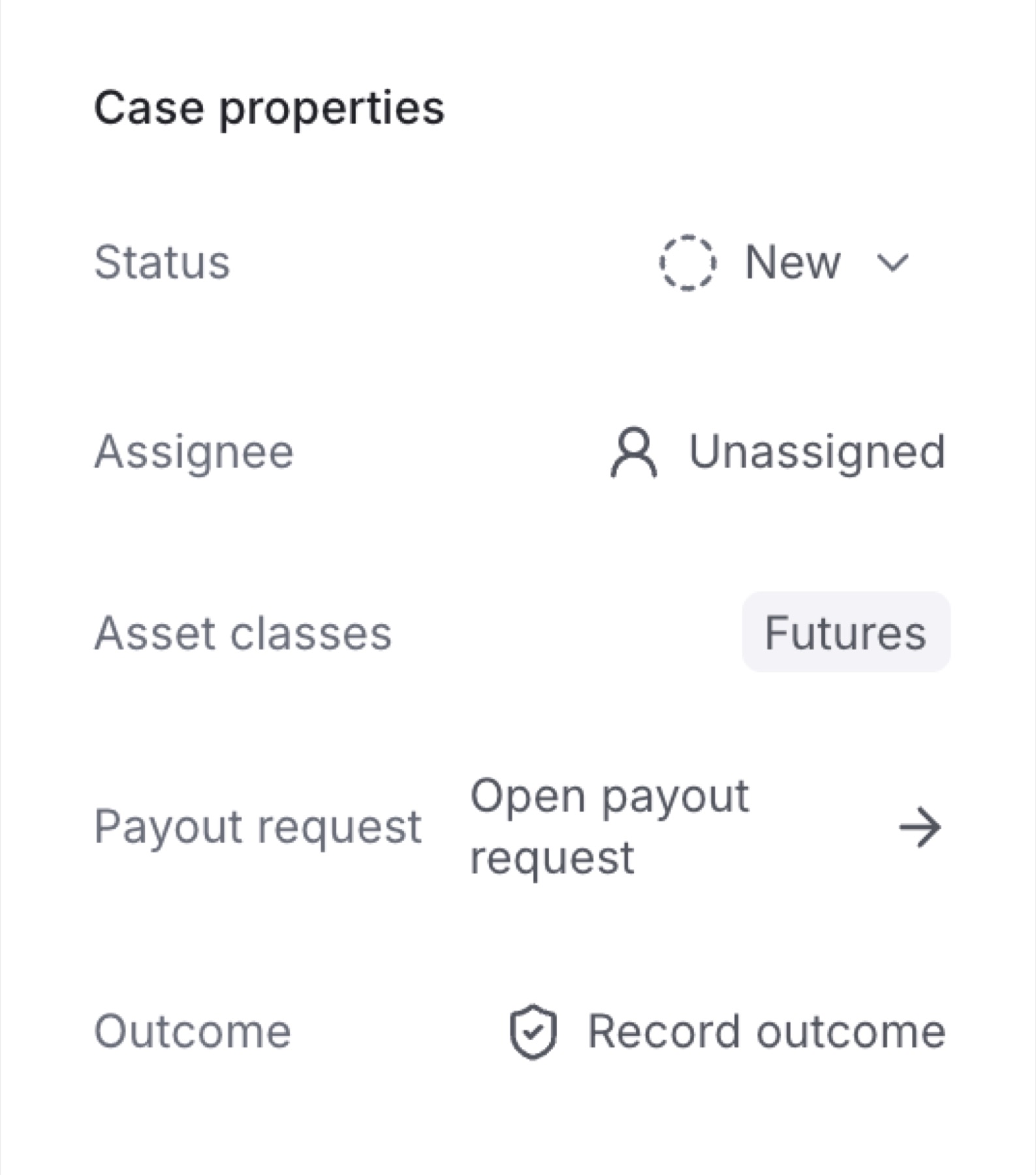
Result: Your name shows next to Assignee, the Case moves to your Assigned to me tab, and the change is added to Activity.
Tip: You can also take a Case from the queue. Click the person icon in the Owner column of that Case's row.