
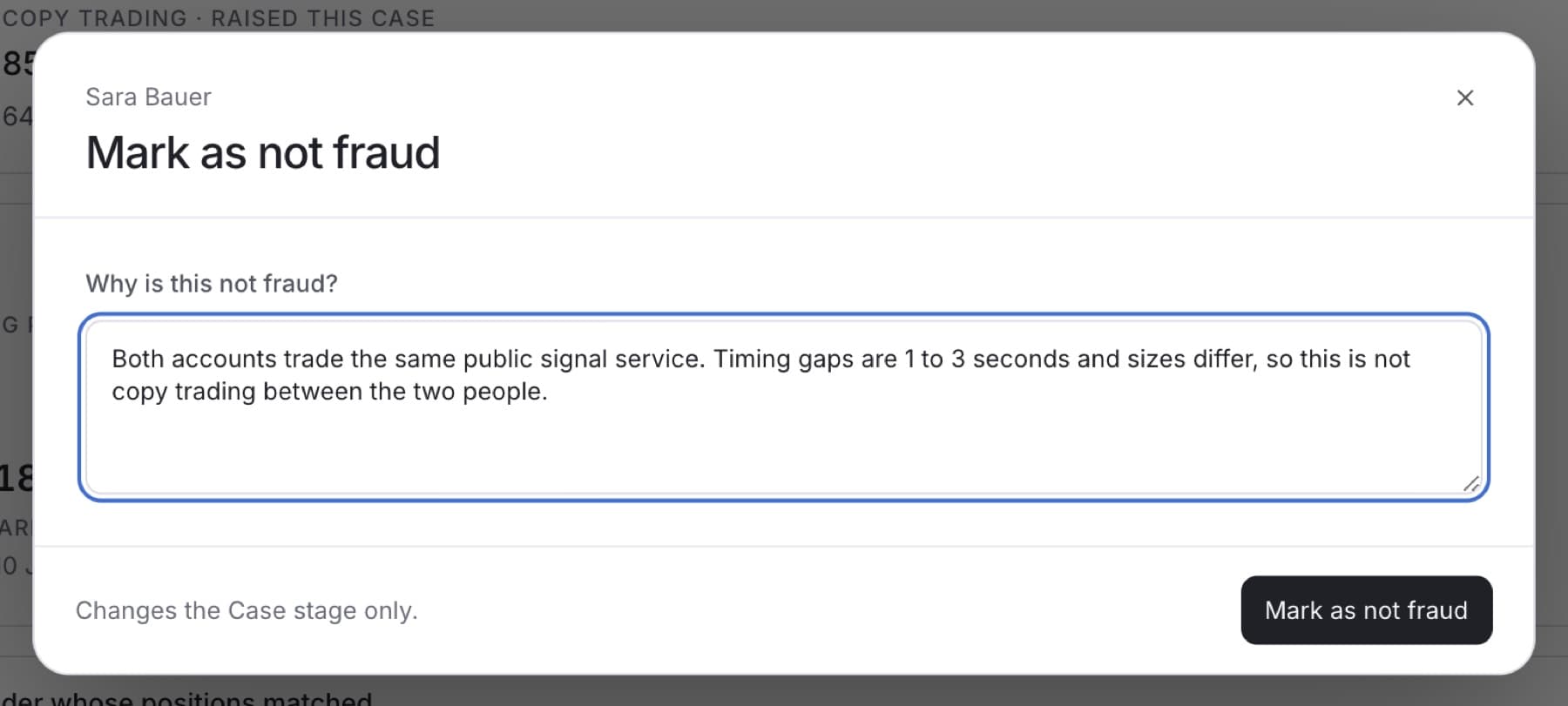
Close a Case as Not fraud when your review shows the activity is acceptable. You need the Owner, Admin or Analyst role.
- In the sidebar, under RISK, click Cases.
- Click the Case you reviewed.
- In Case properties, click the current status next to Status.
- Click Not fraud.
- In Why is this not fraud?, write the evidence behind your decision.
Tip: Write it for someone reading it months from now. Name what you checked and what you found.
- Click Mark as not fraud.
Tip: If you see Write why before saving this change., the reason box is empty. Type a reason and click Mark as not fraud again.
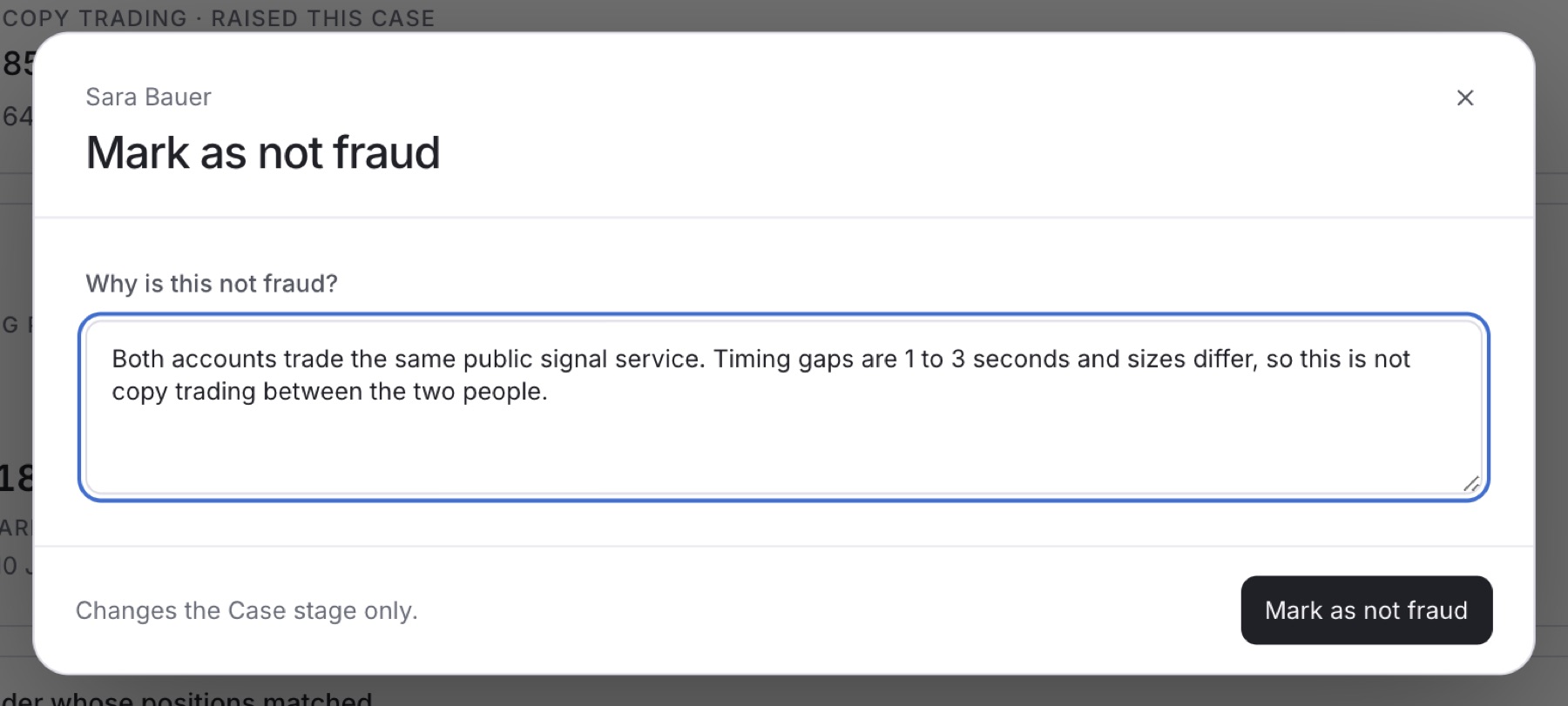
Result: The Case shows Not fraud, moves to the Closed tab, and your reason is added to Activity.
Note: This changes the Case only. Any pending payout request stays in Payouts for its own review.