
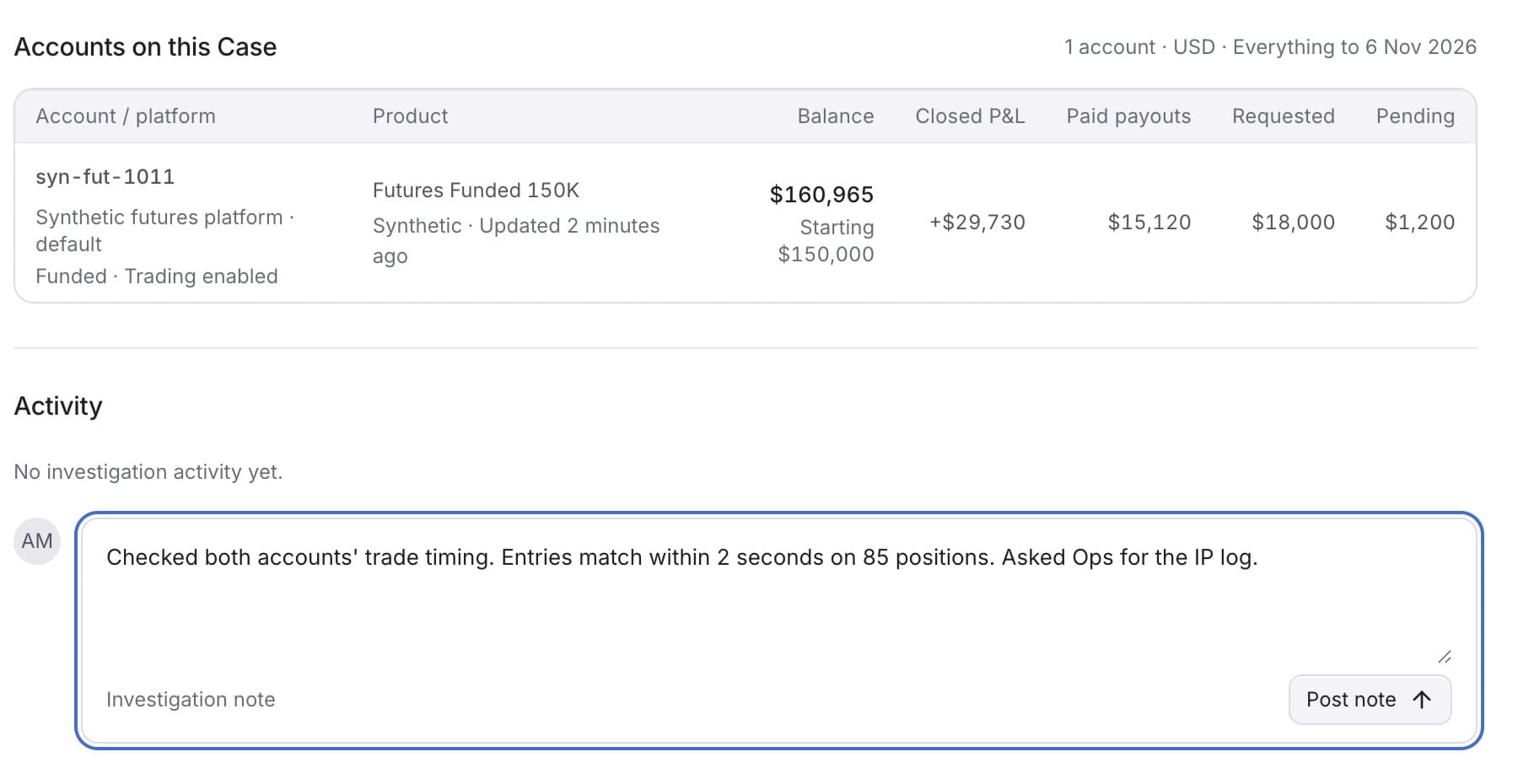
Add a note to record what you checked or found. You need the Owner, Admin or Analyst role.
- In the sidebar, under RISK, click Cases.
- Click the Case.
- Scroll to Activity.
- Click the box that says Add a finding or leave a note….
- Type your note.
- Click Post note.
Tip: You can also press Ctrl+Enter (Cmd+Enter on Mac) to post.
Result: Your note shows in Activity with your name and the time.
Note: Posting a note does not change the Case's status.