
Desk
The v2 home screen: KPI cards, the "Do these now" worklist, and how to read it daily.
Desk
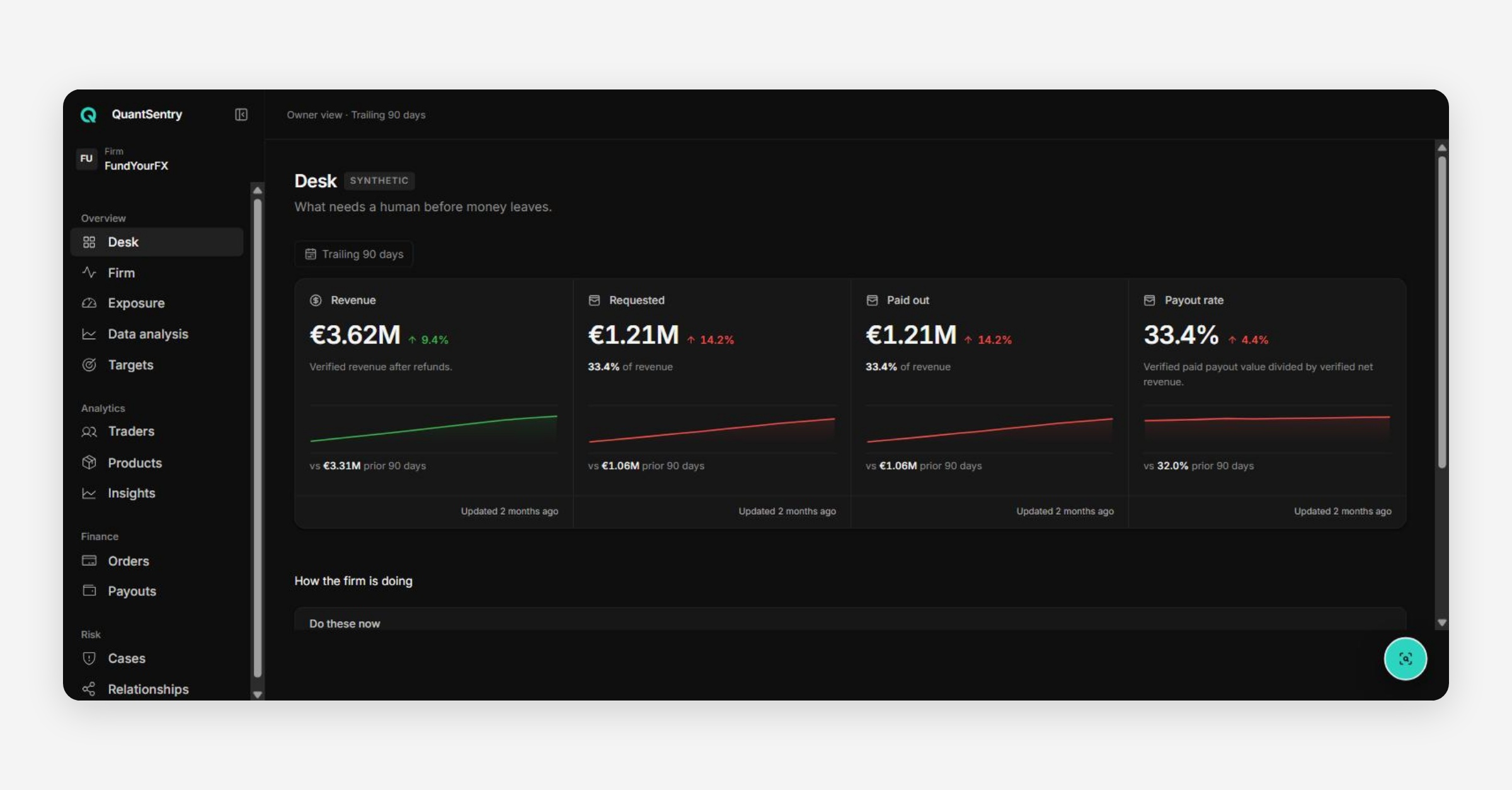
Desk is the v2 home screen — the first thing an Owner sees on login. Its subtitle states its purpose plainly: "What needs a human before money leaves."
KPI Cards
Three cards summarize the selected date range against the prior comparable period:
Card | What it shows |
|---|---|
Revenue | Settled product orders, net of discounts |
Pending payouts | Open payout requests and their total value |
Paid out | Payouts approved and settled, at the amount actually transferred |
Each card includes a sparkline and an "Updated N minutes ago" freshness indicator.
"Do These Now"
A worklist table grouped by reason (e.g. Pending payouts), showing the trader, why they're listed, when it was raised, any classifications, and the amount involved. This is the closest v2 equivalent to v1's Recent Alerts panel — it's the day's action list rather than a chronological feed. Click a trader row to open their Trader Passport (see the Traders article).
Reading Desk Daily
Treat Desk the way v1's guide to understanding risk trends recommended treating the risk trend chart: a two-minute daily check. A growing "Do these now" queue, a widening gap between Revenue and Paid out, or a sudden drop in Revenue are each worth a same-day look rather than waiting for a weekly review.
Was this helpful?