
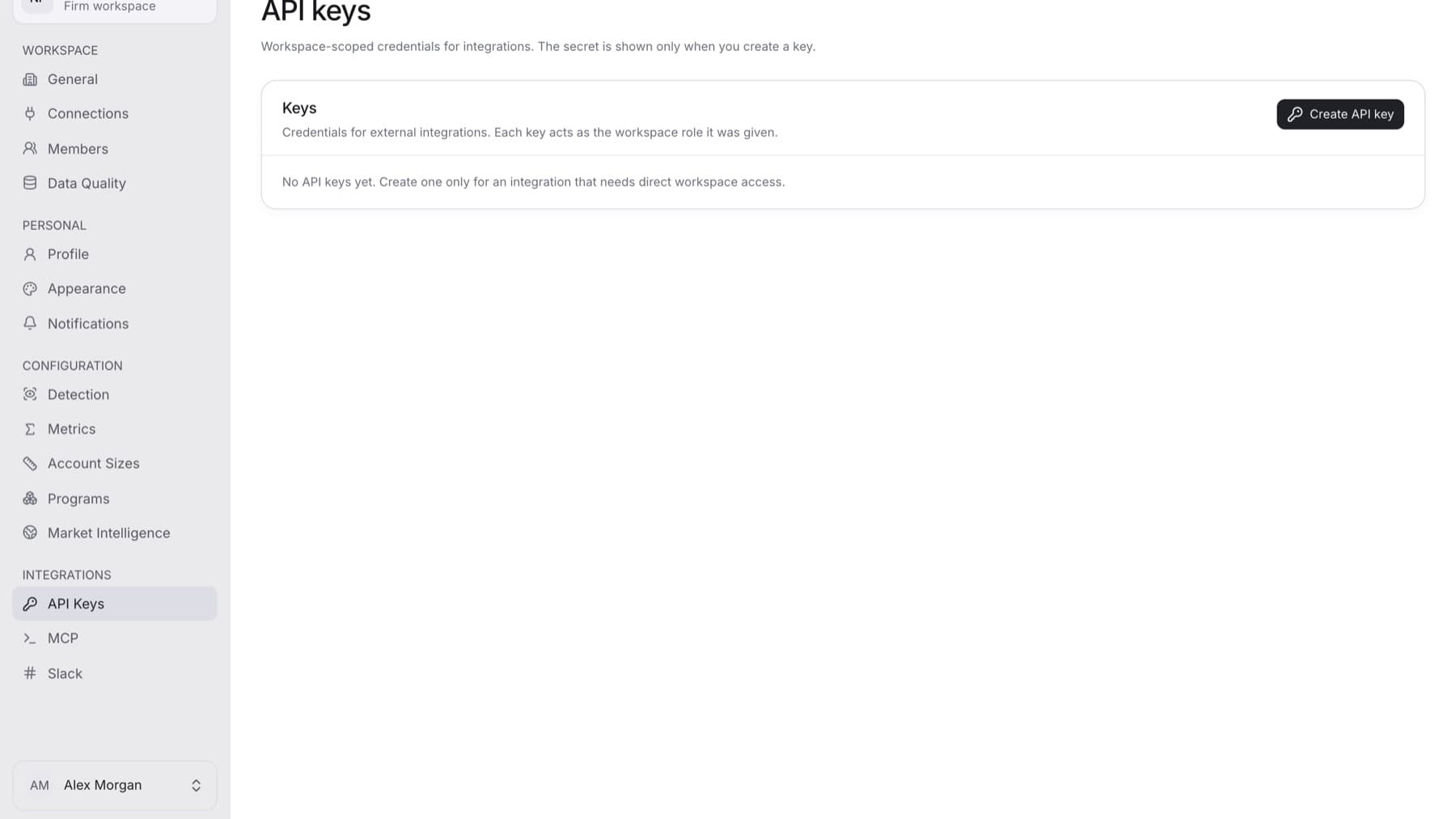
Integrations let other tools read your QuantSentry workspace. Find them under INTEGRATIONS in Settings.
On this page
- API Keys: credentials that let an external tool read your workspace.
- MCP: the server address and a ready-made Claude Desktop setup.
- Slack: Argus, QuantSentry's AI assistant, in Slack.
API keys
- Each key acts as the role you give it: Owner, Admin, Analyst or Viewer.
- The secret shows only once, when you create the key.
- Only the workspace Owner can view, create or revoke keys.
- The list shows Name, Role, Prefix, Last used and Status (Active or Revoked).
MCP
- MCP (Model Context Protocol) lets AI assistants use outside tools.
- Other clients, such as Cursor, use the same address. Each needs a workspace API key.
- The tools read your workspace. None of them moves money.
Slack
- Send Argus a direct message, or mention it in a channel.
- Argus answers as you, with your role. A Viewer still never receives trader names.
- Argus can alert one channel about new pending payouts from people with an open Case.
- An Owner or Admin adds Argus and picks the alert channel. Each person then links their own Slack account.
If the Slack page shows Slack is not configured, contact QuantSentry support.
Guides
- Create an API key
- Revoke an API key
- Connect Claude Desktop to QuantSentry with MCP
- Add Argus to Slack
- Link your Slack account to Argus
- Choose a Slack alert channel for pending payouts