
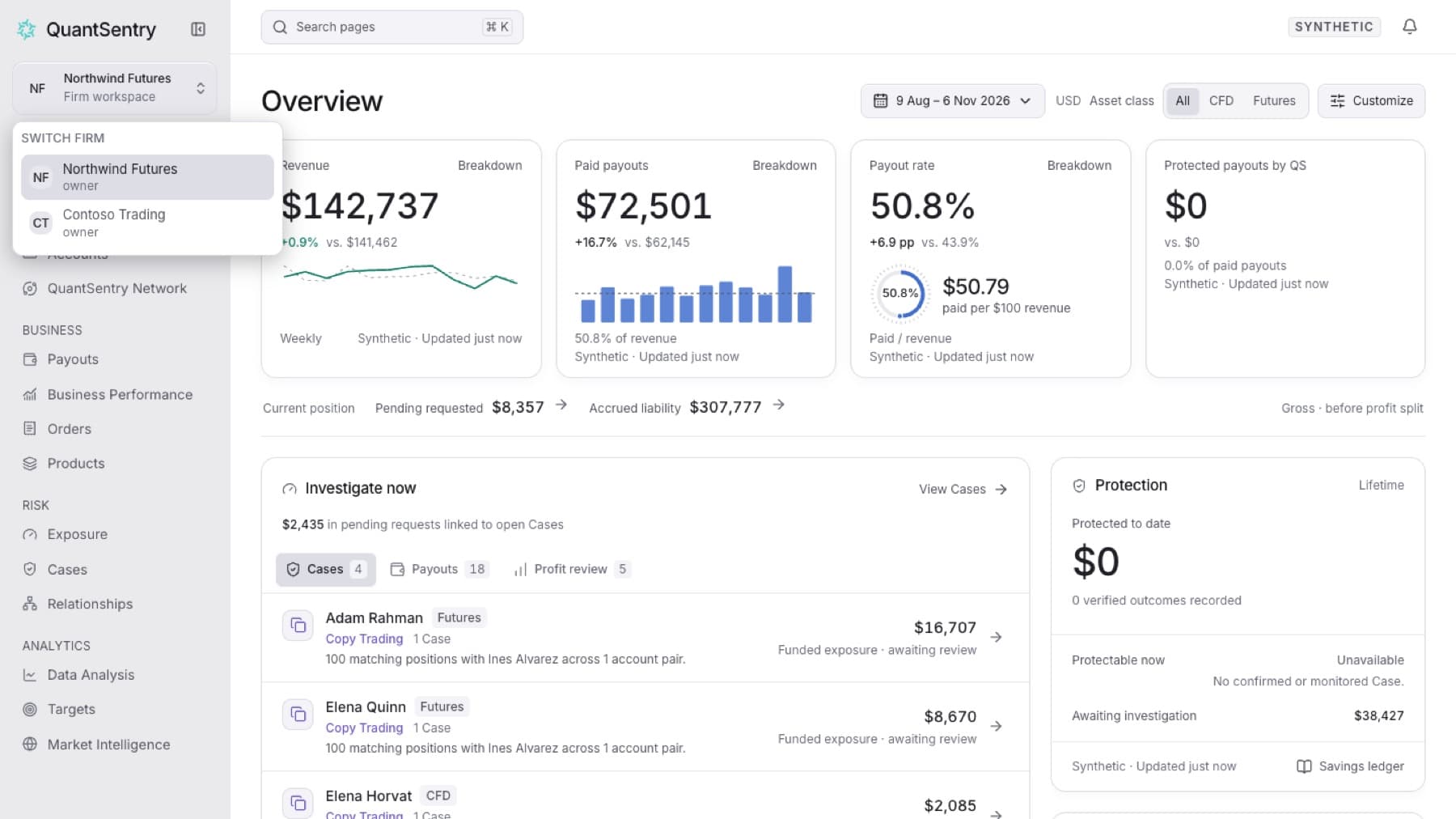
Open a different firm's workspace without signing out. Your account must be a member of more than one firm.
- Select the firm name at the top of the sidebar.
- In Switch firm, select the firm you want.
Tip: If you belong to more than seven firms, type in Search firms to filter the list.
Result: That firm's Overview opens. Your role in that firm applies.
Tip: If the firm name has no menu, your account belongs to one firm only. Ask that firm's administrator for an invitation to join another.