
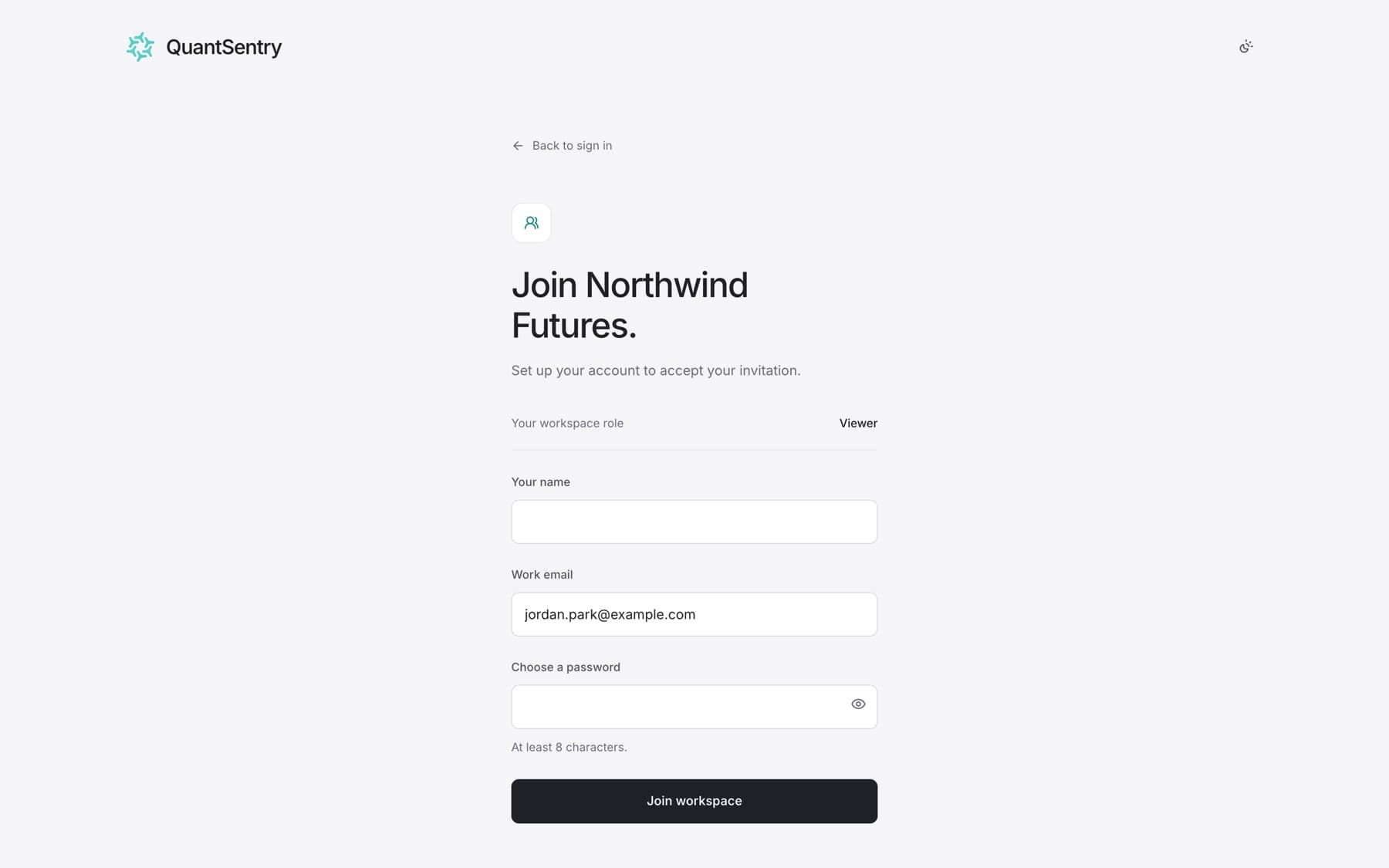
Join a firm workspace that an administrator invited you to. You need the invitation email.
- Open the invitation email and select the link.
- Check the page heading. It names the firm, for example Join Example Capital.
- Check Your workspace role. The administrator set it, and you cannot change it here.
- Do one of the following:
- If you are new to QuantSentry, enter Your name and Choose a password, then select Join workspace.
- If you already have an account with this email, enter your Password, then select Sign in and join.
Result: You are in the firm's workspace with the role from the invitation.
Tip: If you are already signed in with another email, you see This invitation is for another address. Select Sign out, then open the invitation link again.