
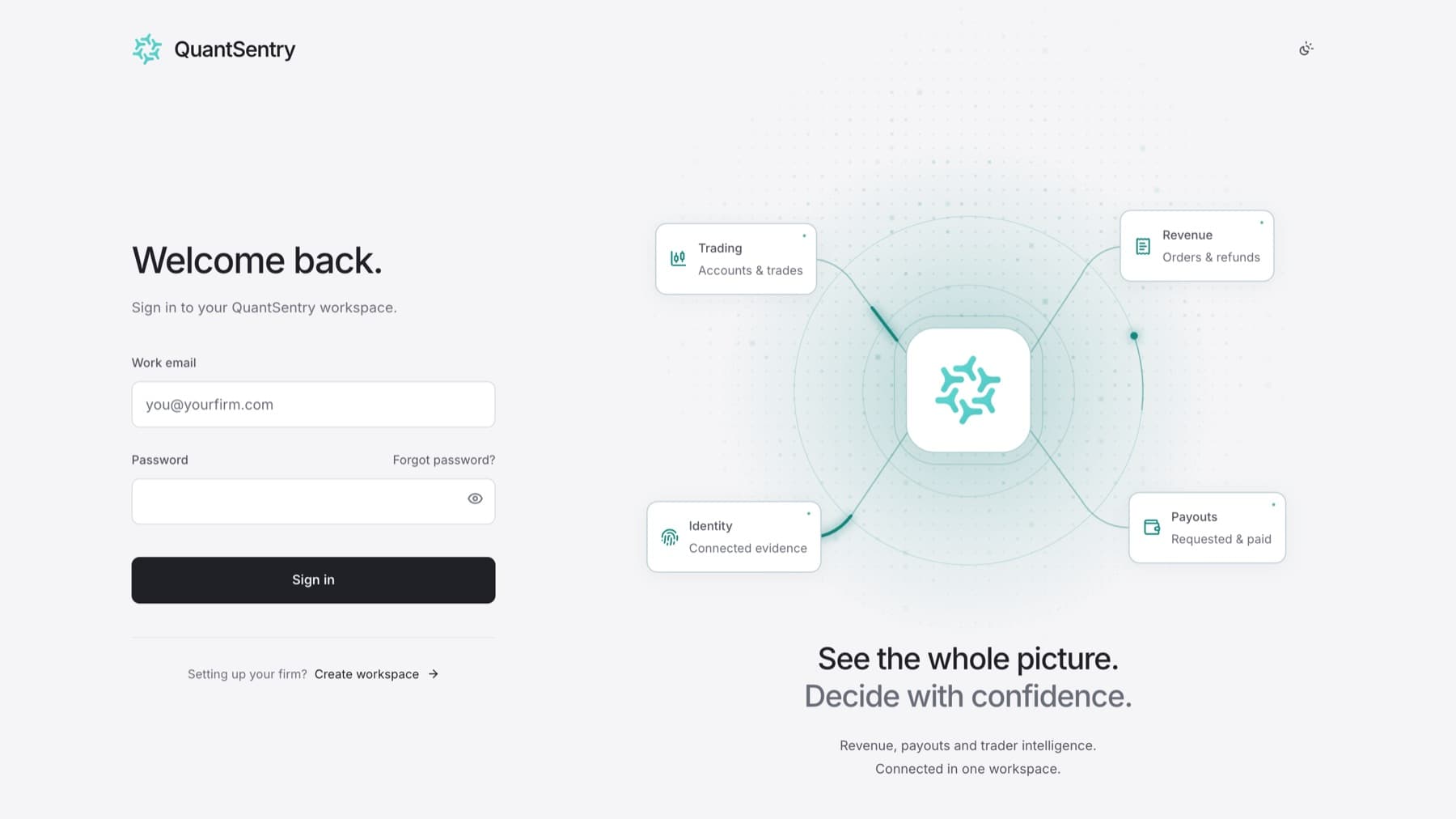
Sign in to your firm's workspace. You need an account. If you do not have one, ask your workspace administrator for an invitation.
- Go to the QuantSentry sign-in page. It shows Welcome back.
- Enter your Work email.
- Enter your Password.
- Select Sign in.
Result: You land on Overview. If your firm has not finished setup and you are an owner or admin, you land on Get set up.
Tip: If you opened a link someone shared and were asked to sign in first, QuantSentry takes you back to that link after you sign in.
Sign out
- Select your name at the bottom of the sidebar.
- Select Sign out.