
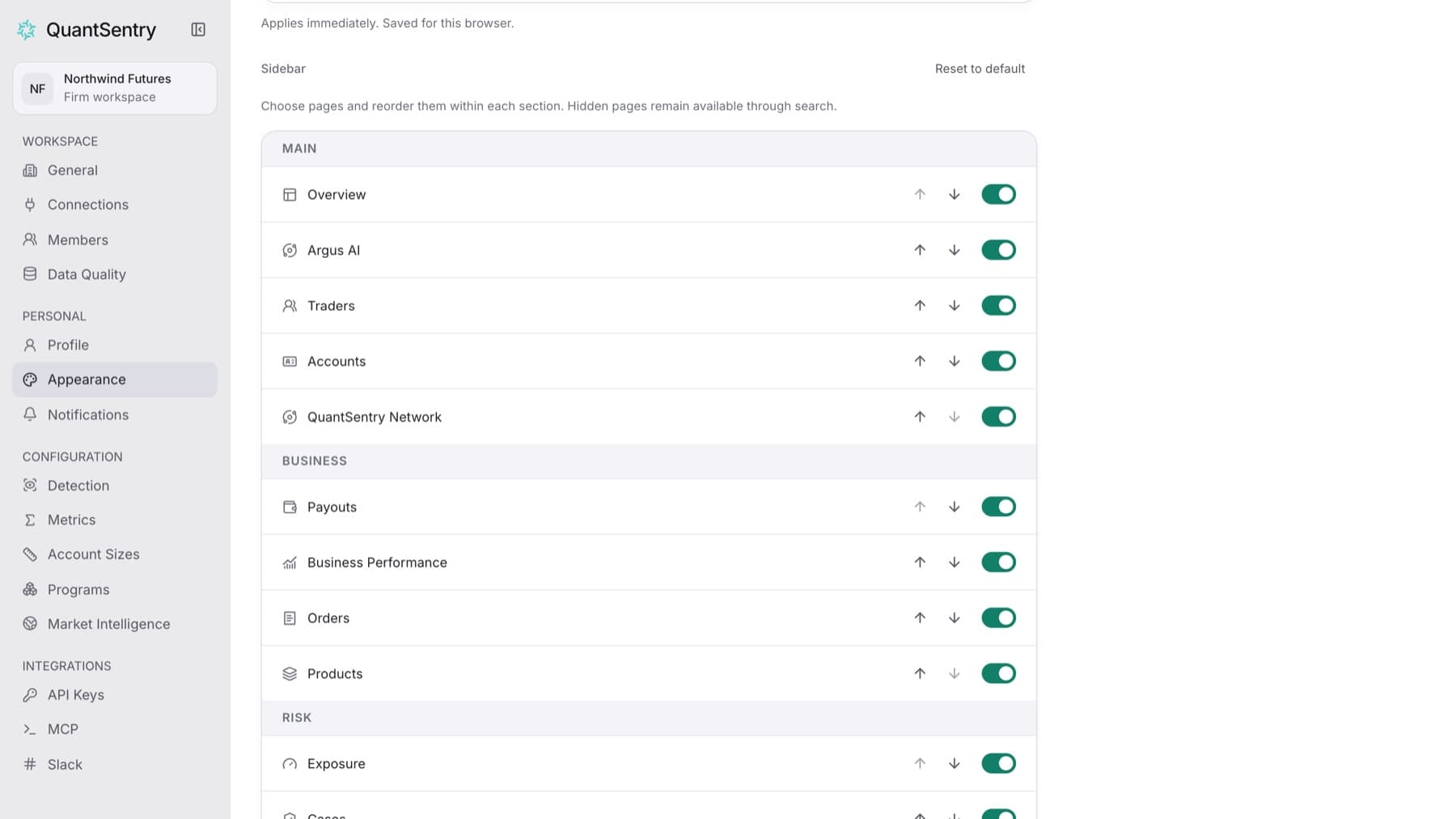
Keep the pages you use most in your sidebar. Any role can do this.
- Select your name at the bottom of the sidebar.
- Select Settings.
- Under PERSONAL, select Appearance.
- Go to Sidebar.
- To hide a page, turn off the switch next to it. To show it again, turn the switch on.
- To move a page, select its move up or move down arrow. Pages move only within their own section, such as BUSINESS or RISK.
Result: The sidebar changes right away.
Tip: To go back to the standard sidebar, select Reset to default.
Tip: Your sidebar choices are saved for this browser only.