
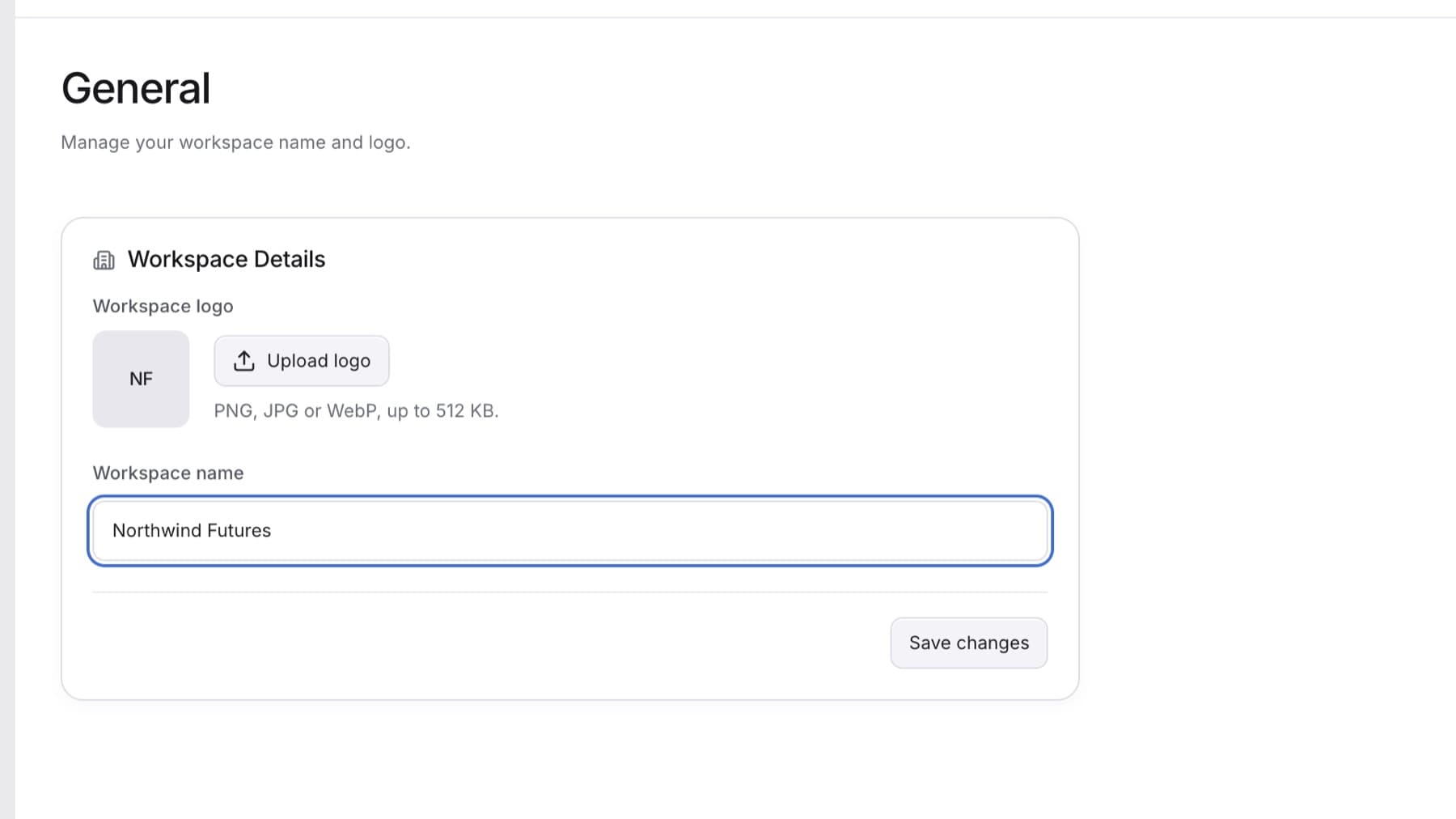
Change the name and logo that everyone in your firm sees. You need the Owner or Admin role.
- Select your name at the bottom of the sidebar.
- Select Settings. Settings opens on General.
- To rename the workspace, edit Workspace name.
- To change the logo, select Upload logo or Change logo, then choose a file.
Tip: Use a PNG, JPG or WebP file up to 512 KB.
- To remove the logo, select Remove logo.
- Select Save changes.
Result: You see Workspace details saved. The new name and logo show at the top of the sidebar.
Tip: If the fields are greyed out and you see Only workspace owners and admins can change these details., ask an owner or admin to make the change.