
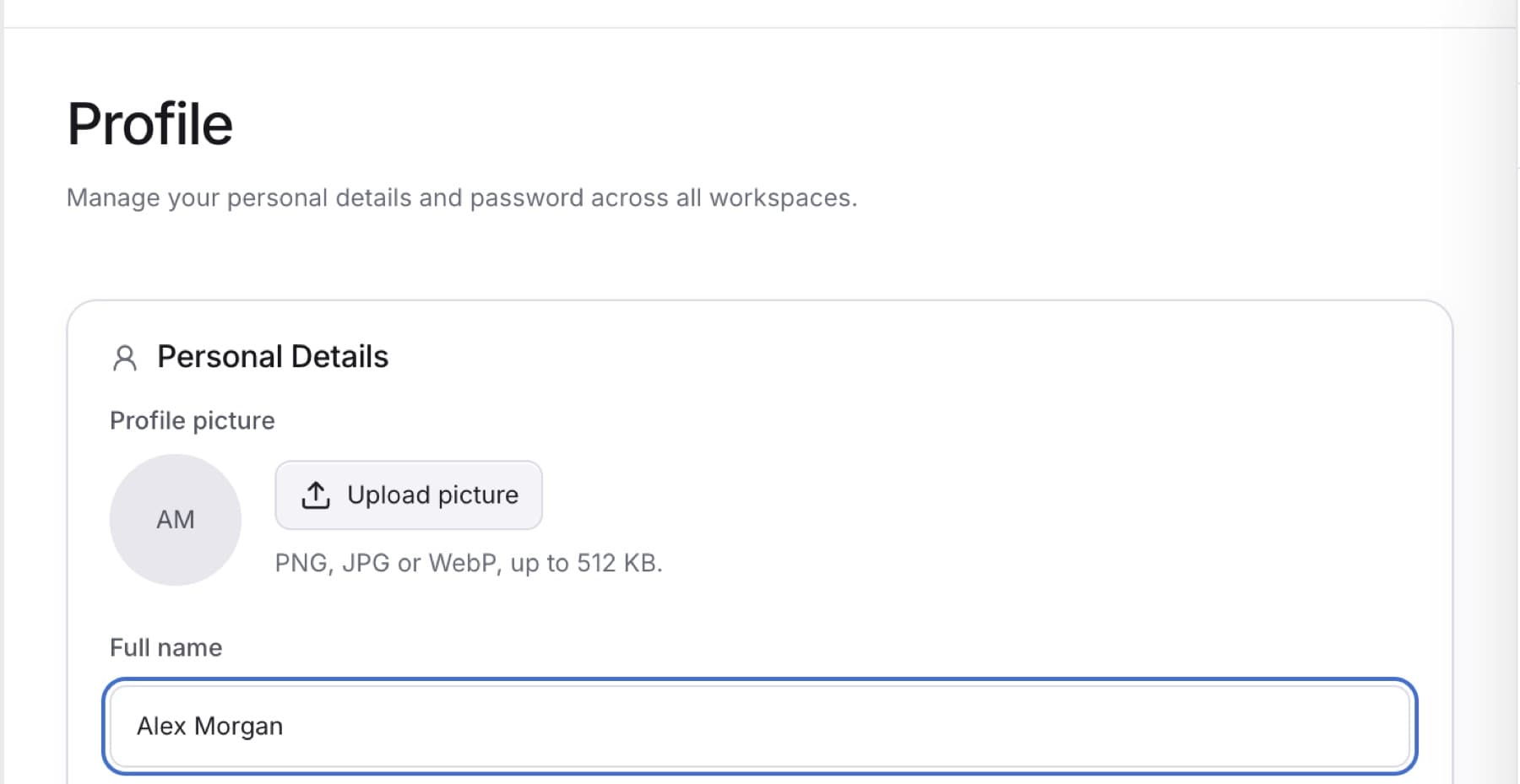
Change how your name and picture appear to your team. Any role can do this. The change applies in every workspace you belong to.
- Select your name at the bottom of the sidebar.
- Select Profile.
- To change your name, edit Full name.
- To change your picture, select Upload picture or Change picture, then choose a file.
Tip: Use a PNG, JPG or WebP file up to 512 KB.
- To remove your picture, select Remove picture.
- Select Save changes.
Result: You see Profile saved.
You cannot change Email address here. Your sign-in email is read-only. To change it, contact QuantSentry support through the help chat in QuantSentry or your firm's support channel in Slack. The QuantSentry team changes it for you.