
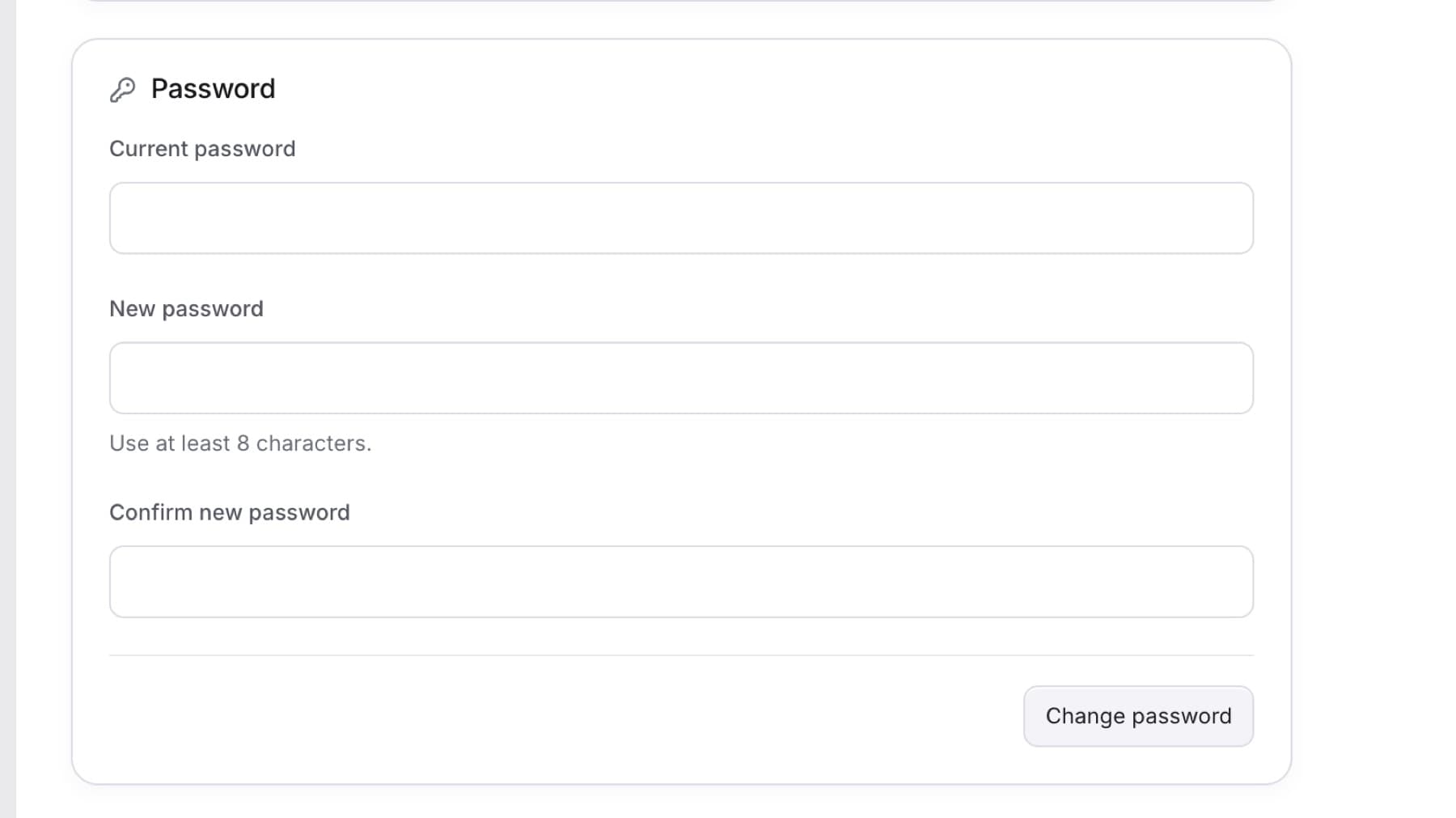
Change your password while you are signed in. You need your current password. If you forgot it, use Reset a forgotten password instead.
- Select your name at the bottom of the sidebar.
- Select Profile.
- Under Password, enter your Current password.
- Enter a New password. Use at least 8 characters.
- Enter the same password in Confirm new password.
- Select Change password.
Result: You see Password changed.
Tip: If you see Your new passwords do not match., type the new password again in both fields.
Tip: If you see Could not change your password. Check your current password and try again., your current password is wrong. Type it again, or reset it.