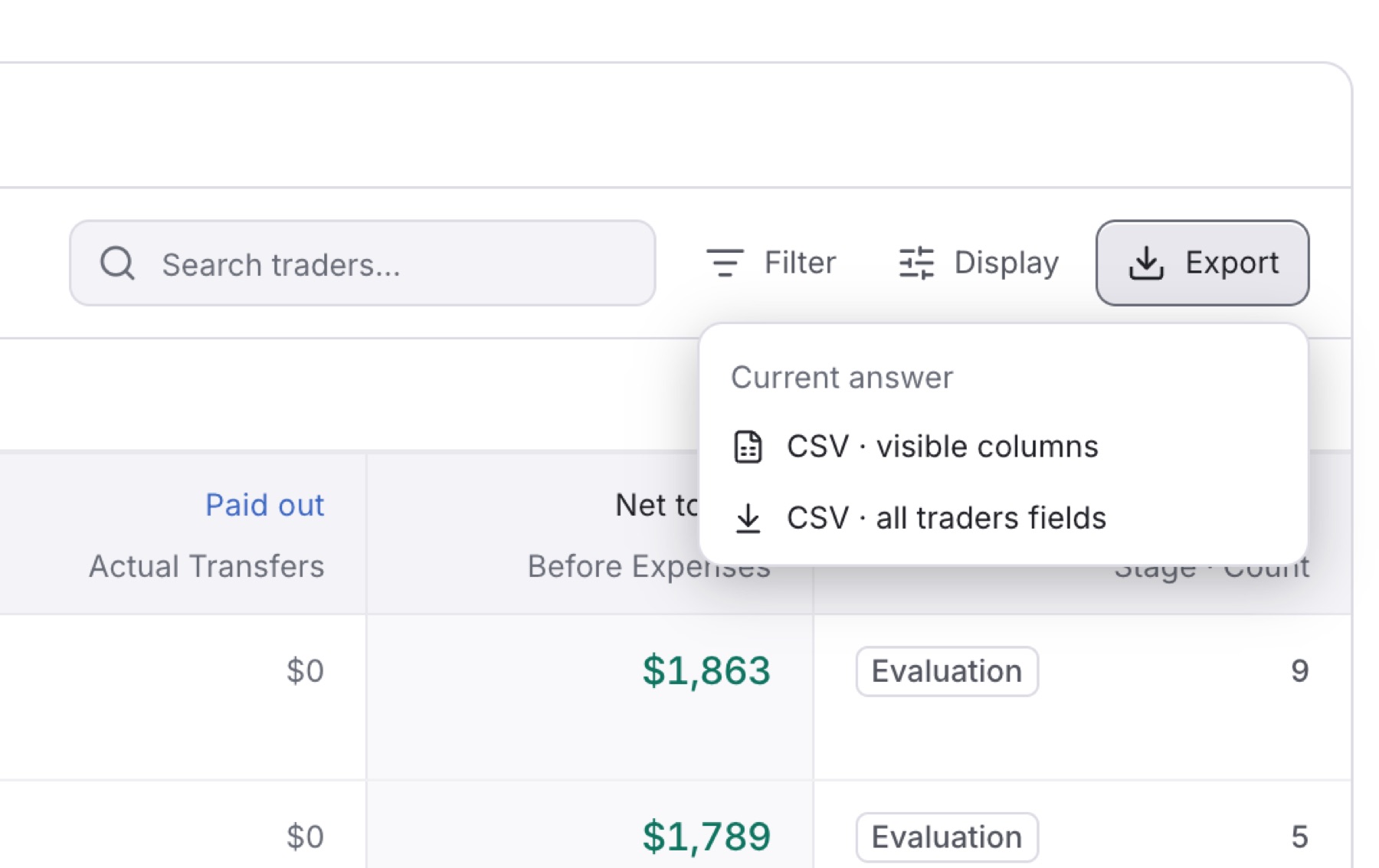
Download the trader list as a CSV file to share it or work on it in a spreadsheet. The file follows your current tab, search, filters and period.
- Click Traders in the side menu.
- (Optional) Narrow the list with a lifecycle tab, Search traders… or Filter.
Tip: To export one trader, type their name in Search traders… first.
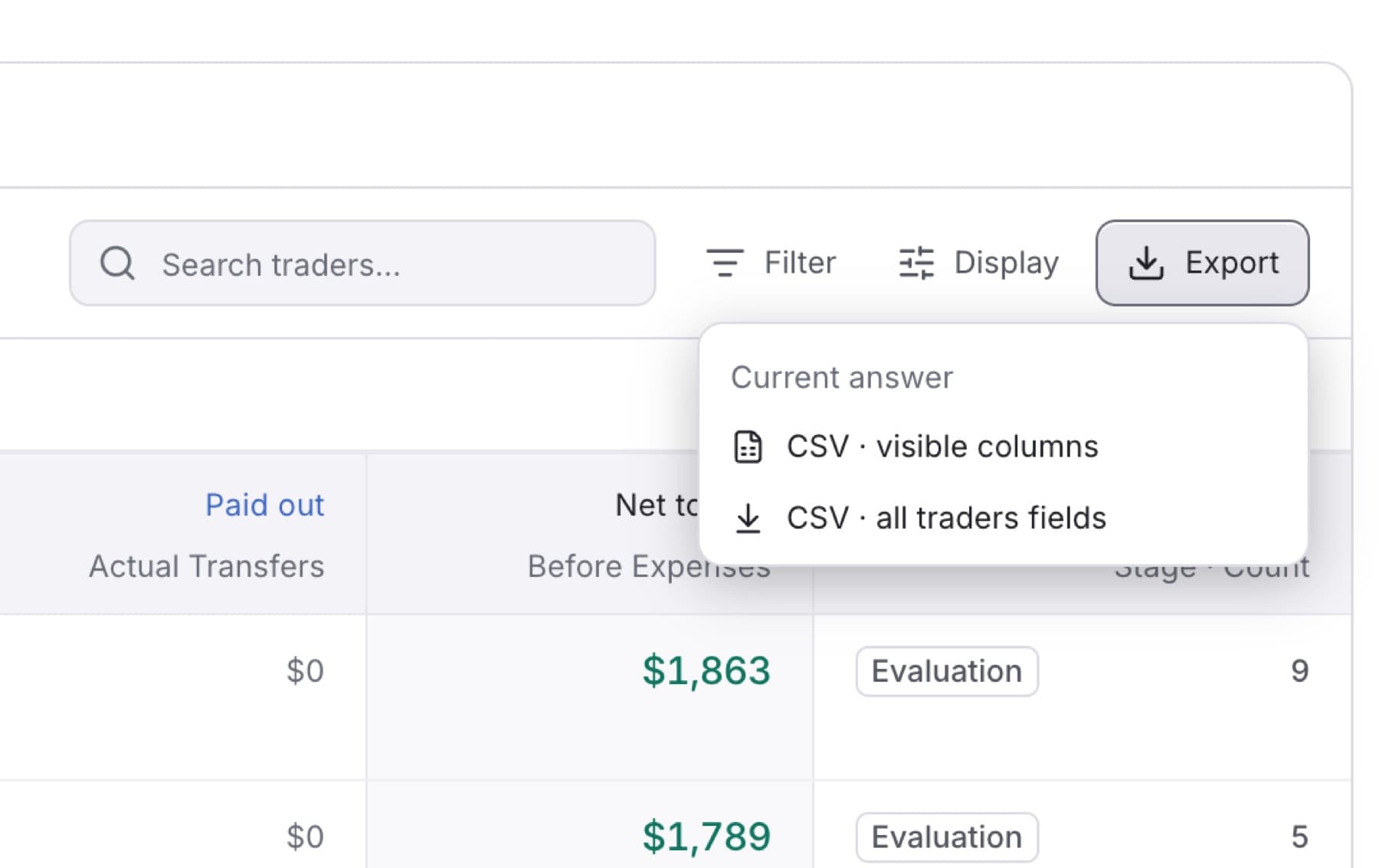
- Click Export.
- Click one of the two options:
- CSV · visible columns: the columns you see now.
- CSV · all traders fields: every field the list holds.
Result: Your browser downloads a CSV file.
Tip: A very large export can be refused. If nothing downloads, narrow the list and try again.