
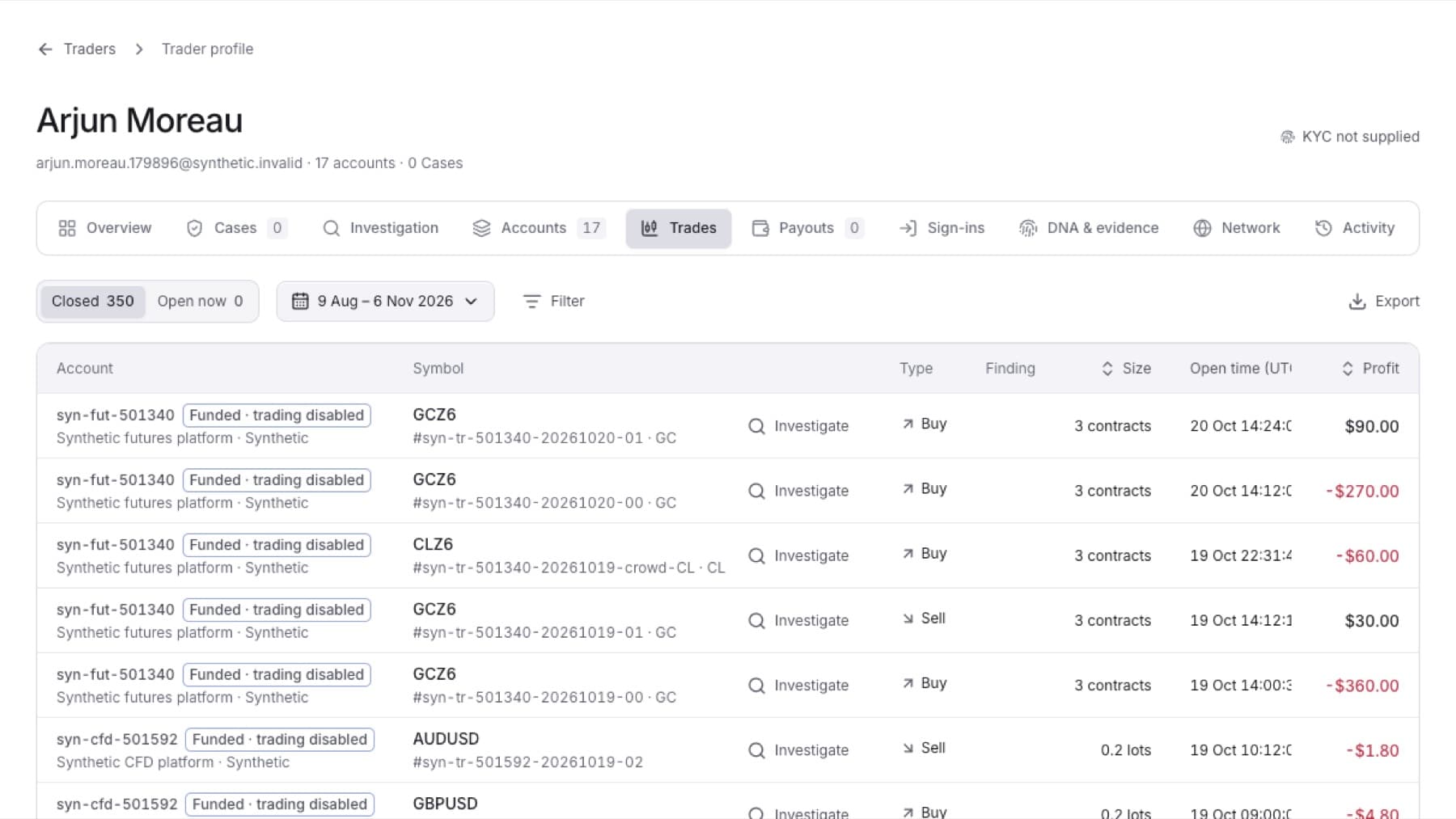
Download a trader's trades across all of their accounts as a CSV file.
- Open the trader's profile. See Find a trader by name.
- Click the Trades tab.
- Click Closed or Open now.
- (Optional) Change the period, or click Filter to narrow by symbol, side, result, hold time or finding.
- Click Export.
Result: Your browser downloads a CSV file of the trades in the list.
Tip: To export the trades of one account only, open that account in Accounts, click its Trades tab, then click Export.