
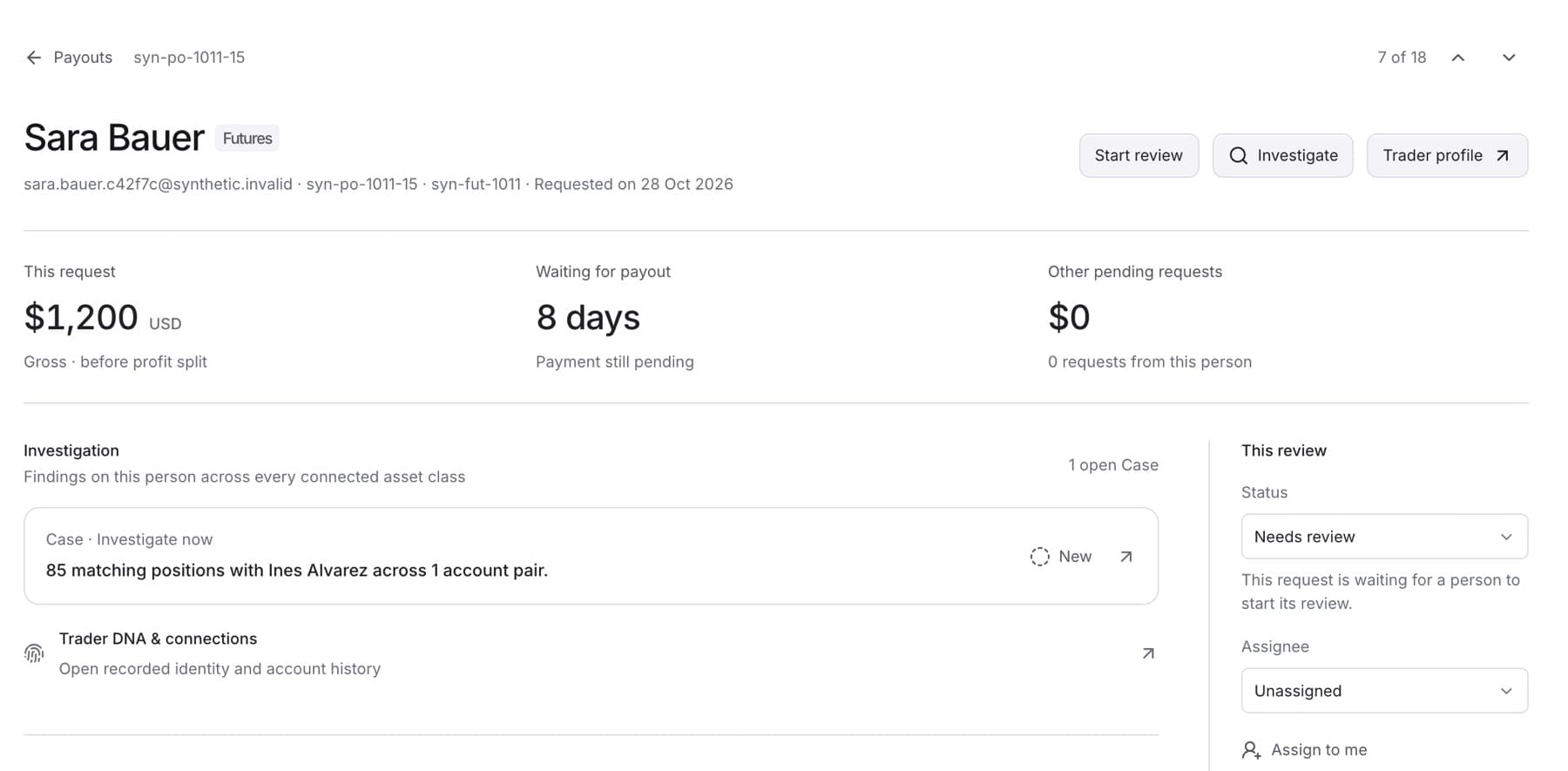
Take an open payout request, check the evidence, and record your review. You need the Owner, Admin or Analyst role. Viewers can read a request but cannot change its review.
- Click Payouts in the side menu.
- Click Review next to open the oldest request in the current view. To pick a request yourself, click its row instead.
- Click Start review. The request moves to Investigating and is assigned to you if nobody held it.
Tip: To take a request without opening it, click Assign on its row in the queue.
- Read the Investigation section. It lists the trader's Cases. If it says No Cases linked, click Trader DNA & connections to check the trader's recorded identity and account history.
- Click Investigate if you want to look deeper at the person before you decide.
- If you need more information before you can finish, open Status in the This review panel and choose Waiting for information. Type what is outstanding, then click Save next step.
- When the review is done, click Complete review.
- Type a summary of your findings in Review summary, then click Complete review under the text box.
Tip: The review cannot complete without a summary. If you see "Write a review summary before completing the review.", add the summary and try again.
- Pay or decline the request in your own payout system. QuantSentry does not pay, hold or decline a request.
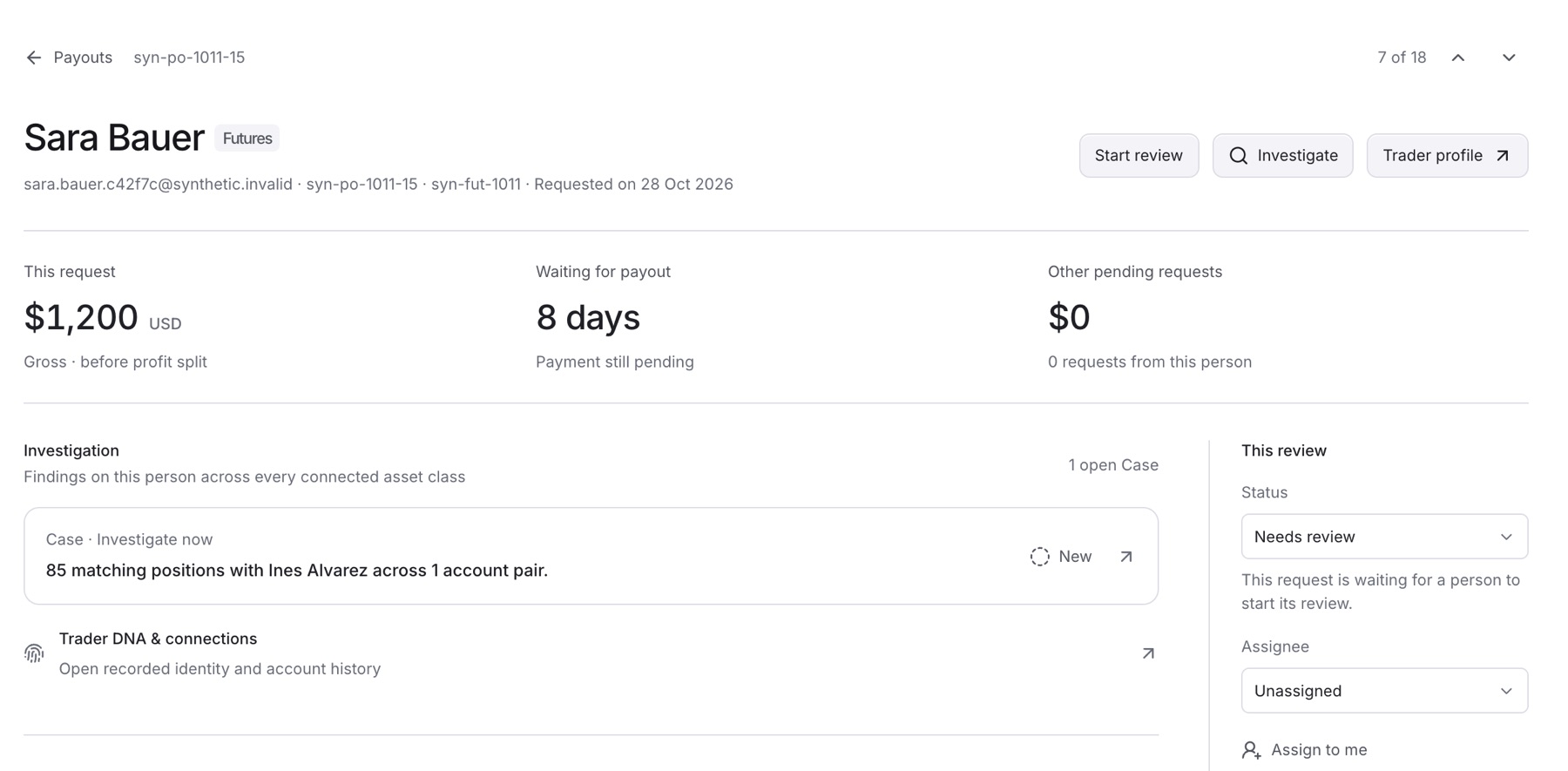
Result: The request moves to Awaiting payment in the queue, and your summary appears in Review activity. It leaves the queue when your payout system reports it as paid.
To add a finding without changing the stage, type it under Add a finding or note and click Post note.