
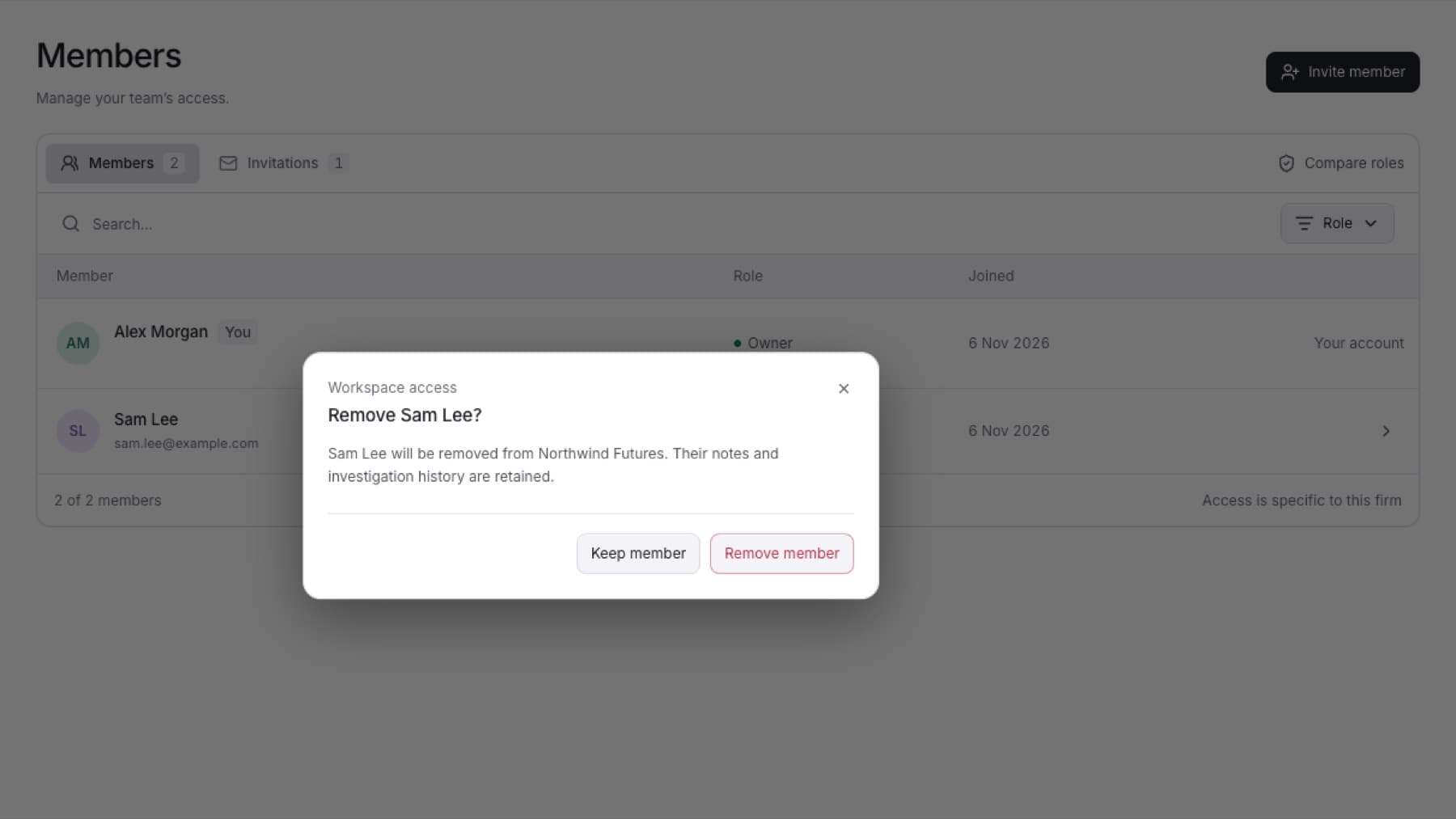
Remove a person who no longer needs access. You need the Owner or Admin role.
- Select Settings, then select Members.
- On the Members tab, select the manage button at the end of the person's row (Manage followed by their name).
- In the Member access dialog, under Remove from workspace, select Remove access.
- Select Remove member to confirm. To cancel, select Keep member.
Result: The person leaves the Members list and can no longer open the workspace. Their notes and investigation history are kept.
You cannot remove yourself or the last Owner. See Change a member's role.