
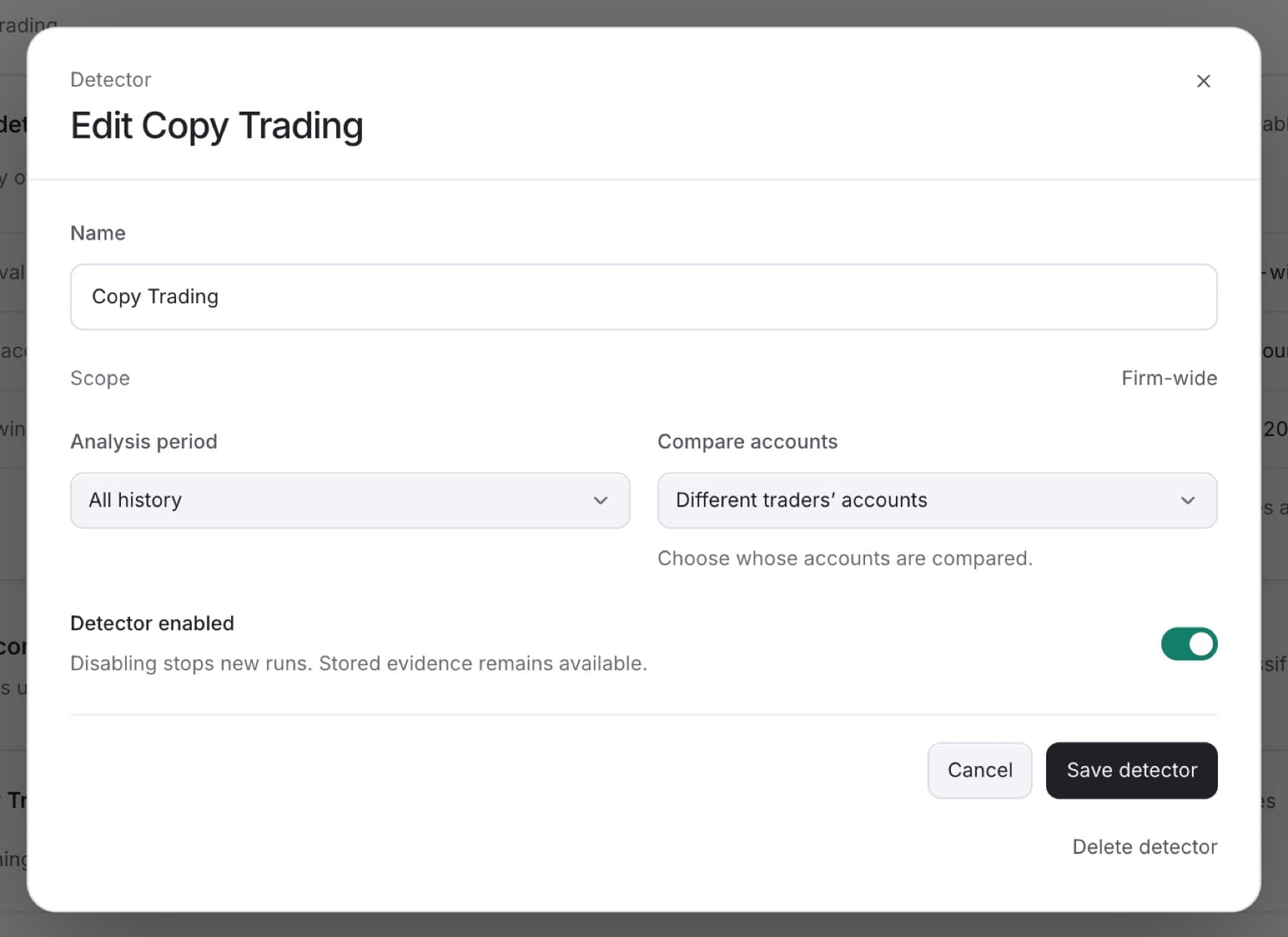
Pause a detector to stop new runs, for example while you review its settings. Its stored evidence and existing Cases stay available. You need the Owner, Admin or Analyst role.
- Go to
Settings > Detection. - On the Detectors tab, click the detector.
- Click Edit detector.
- Turn Detector enabled off to pause it, or on to turn it back on.
- Click Save detector.
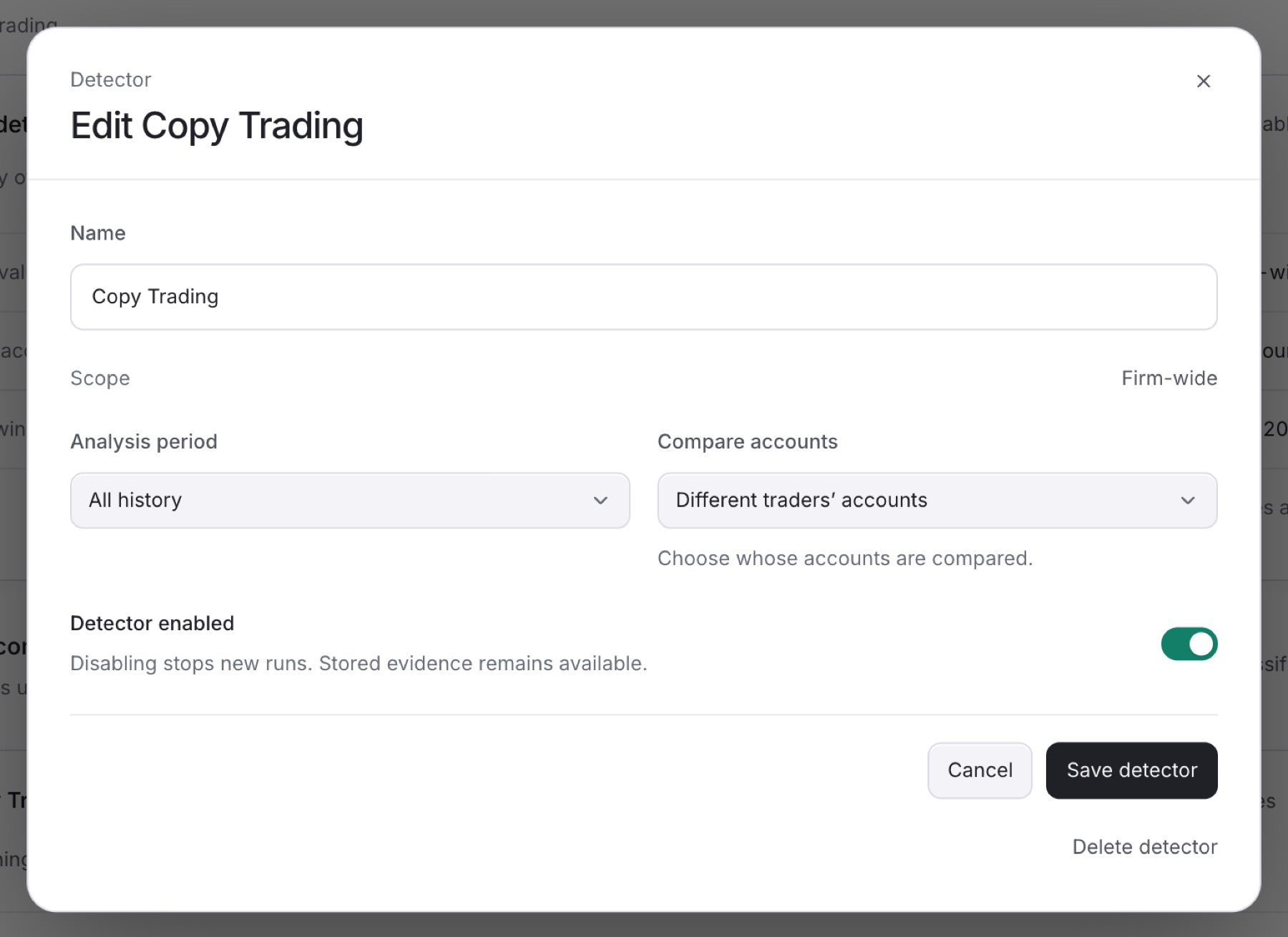
Result: You see Detector saved. The status next to What it detects changes to Paused or Enabled.
Note: While a detector is paused, any classification with Case creation on that reads it shows Check paused detector under Case creation, because the detector is not producing new findings.
Tip: To remove a detector, use Delete detector in the same dialog. A detector that has already run, or that a classification reads, cannot be deleted. Pause it instead.