
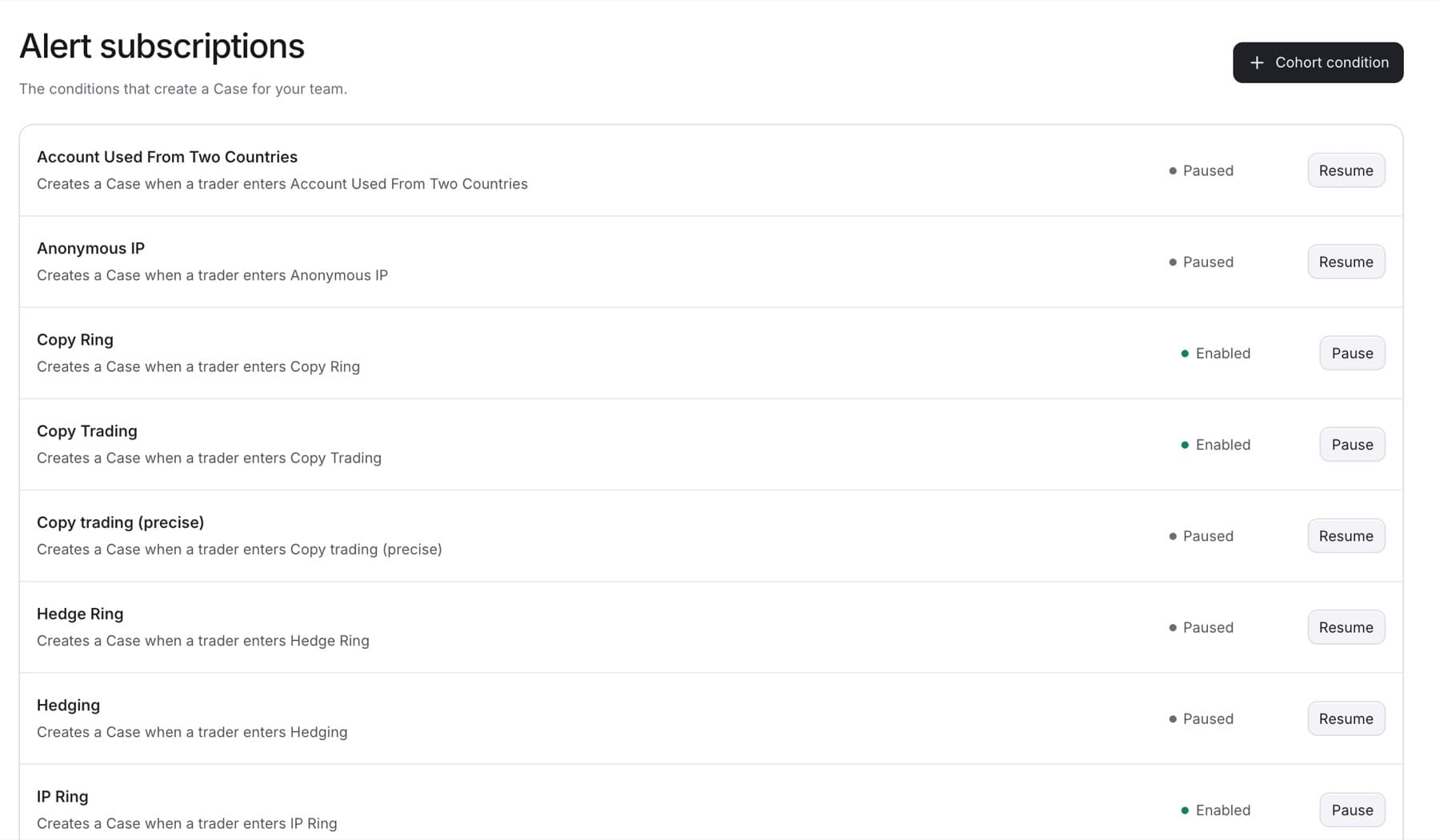
Pause an alert subscription to stop it creating new Cases without deleting it. You need the Owner, Admin or Analyst role.
- Go to
Settings > Detection. - Below the list, click Alert subscriptions.
- Find the subscription. Each row says in words what creates the Case, for example "Creates a Case when a trader enters" followed by the label name.
- Click Pause to stop it, or Resume to turn it back on.
Result: The row's status changes to Paused or Enabled.
Note: Pausing does not close or delete Cases the subscription already created.