
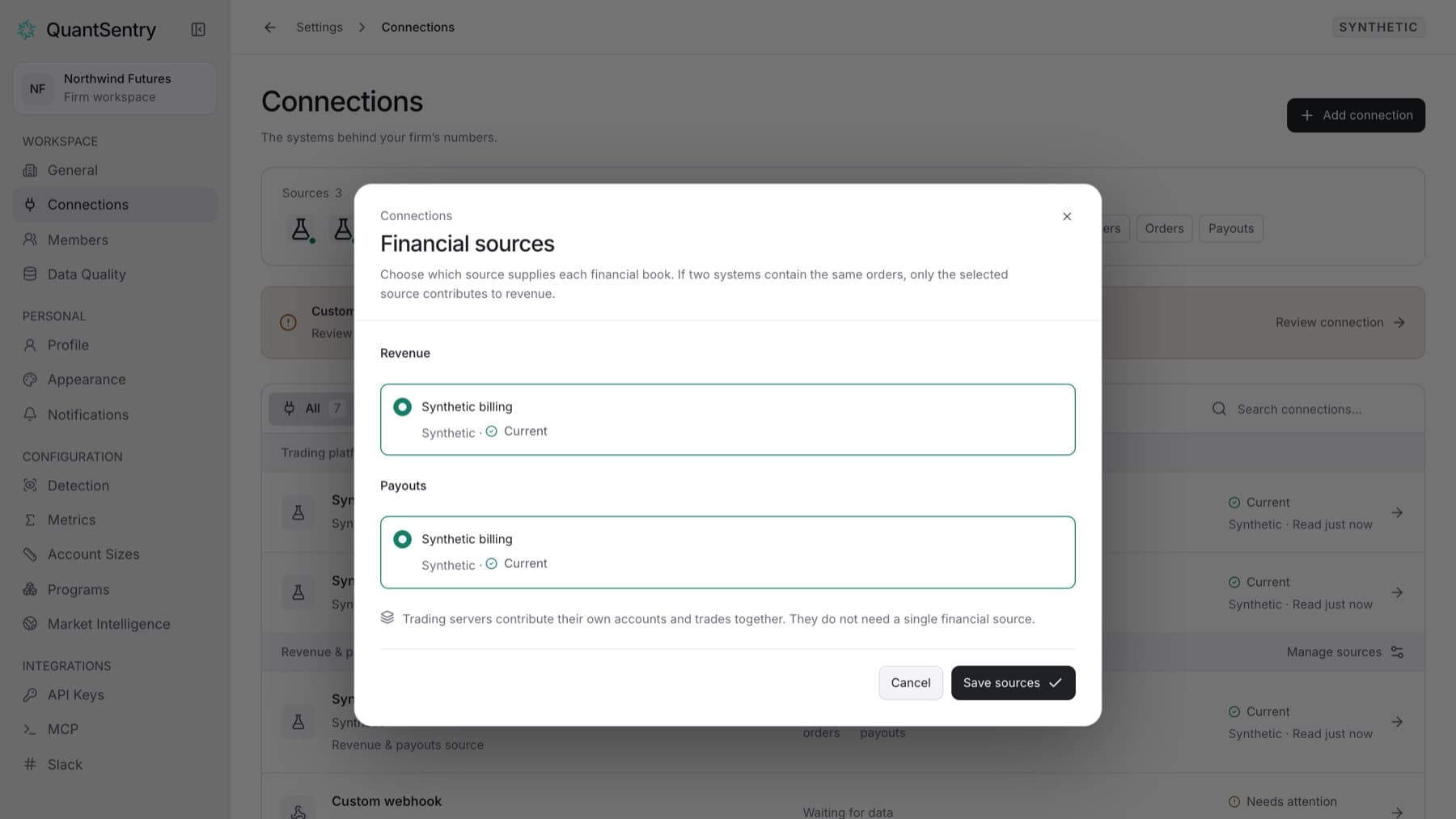
When two connections hold the same orders or payouts, choose the one QuantSentry counts. This stops revenue or payouts from being counted twice. You need the Owner role.
- Select Settings, then select Connections.
- Select Manage sources. The Financial sources dialog opens.
- Under Revenue, select the connection that holds your orders.
- Under Payouts, select the connection that holds your payout requests.
Tip: Each option shows the connection's health. Prefer a source that reads Current.
- Select Save sources.
Result: The selected connections show Selected source in the data-flow panel. The other copies show Not selected. They stay stored but do not count toward totals.
Trading platforms do not need a source choice. All their accounts and trades are combined.