
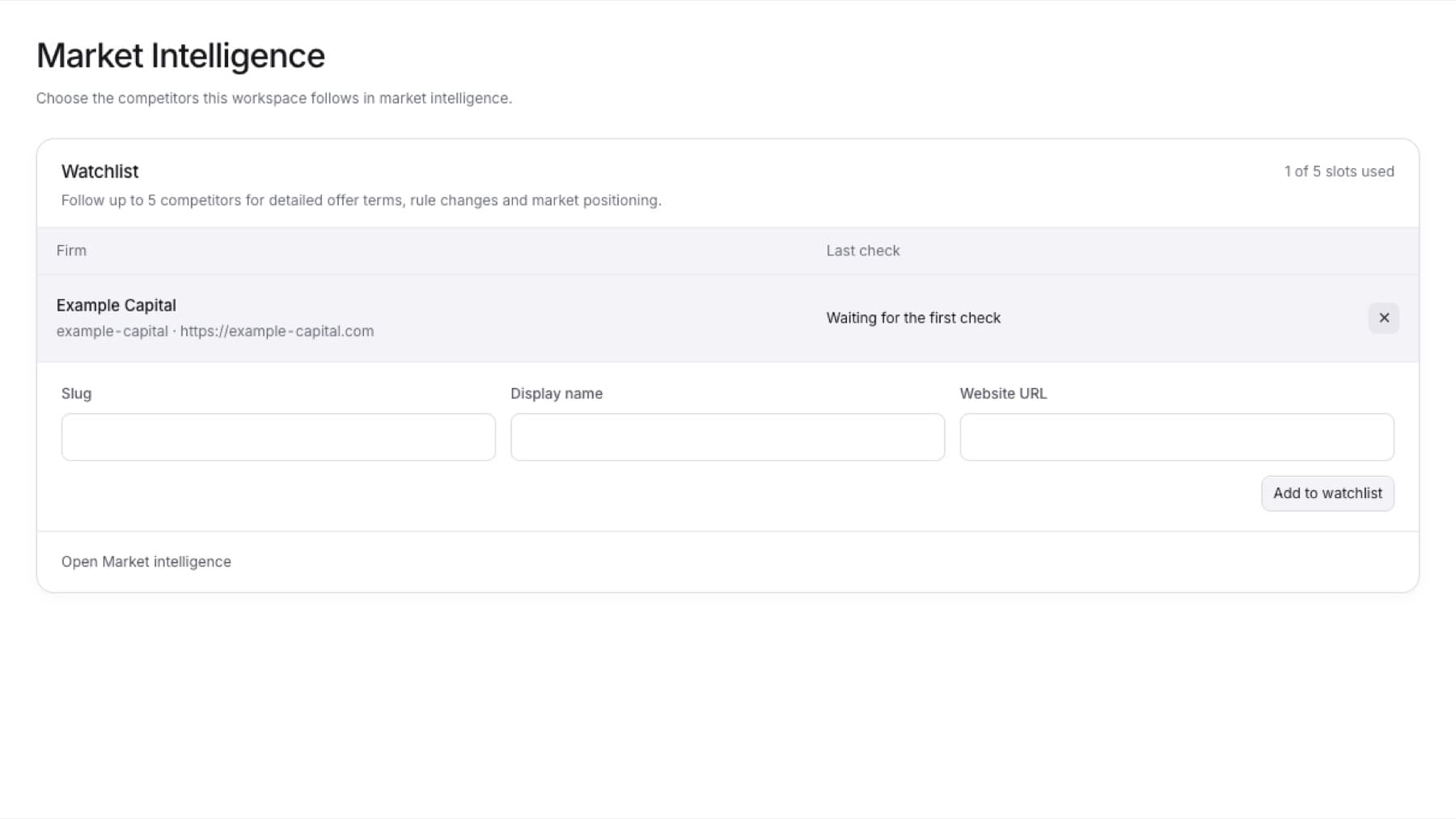
Remove a firm you no longer want to follow. You need the Owner role.
- In the sidebar, select Settings.
- Under CONFIGURATION, select Market Intelligence.
- In the Watchlist table, find the firm.
- Select the remove button on its row. Its label reads Remove followed by the firm's name and from watchlist.
Result: The firm leaves the Watchlist table, and a slot opens for another firm.