
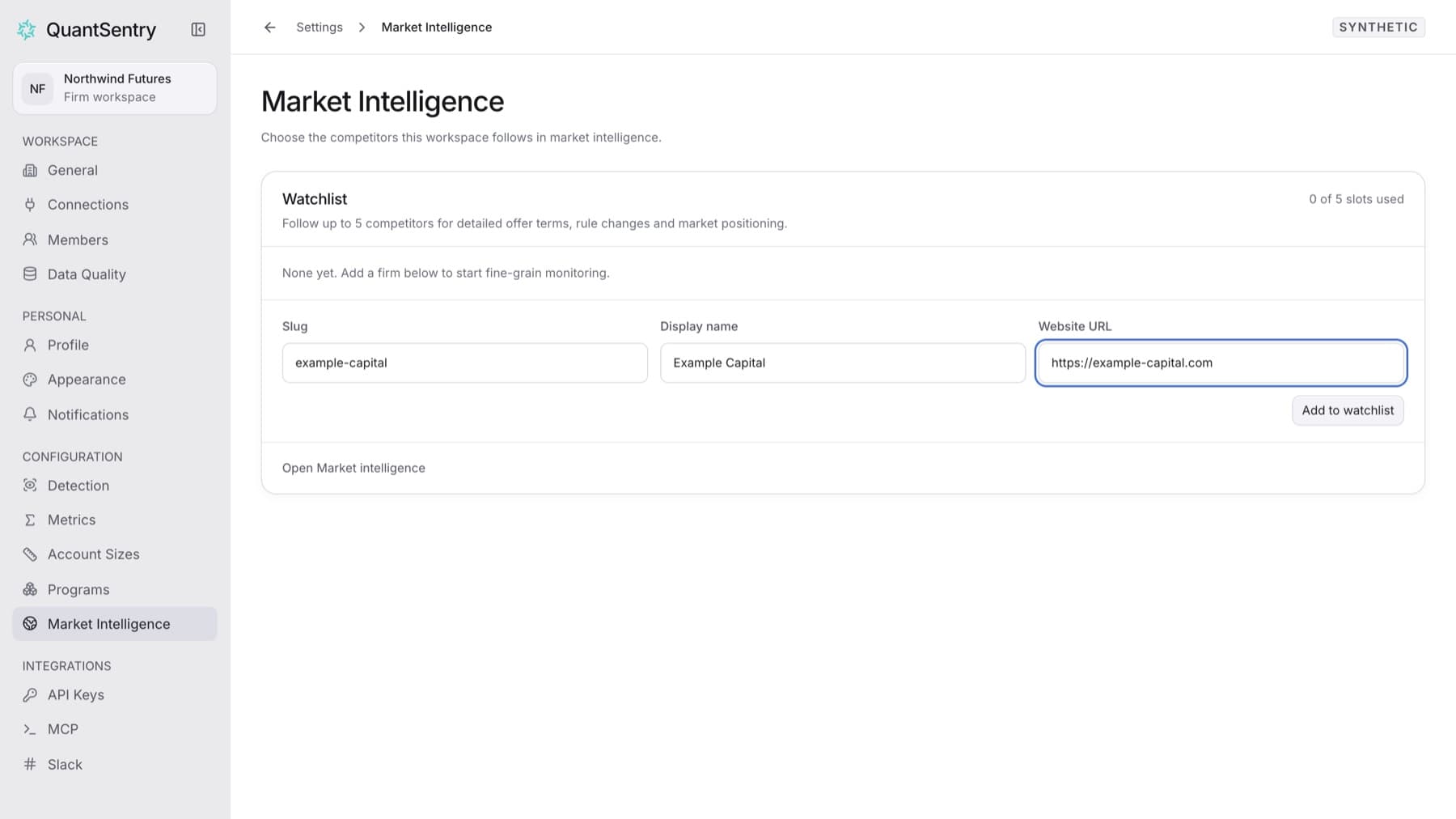
Add a competing firm to your watchlist so Market Intelligence tracks its published terms and changes. You need the Owner role. A watchlist holds up to 5 firms.
- In the sidebar, select Market Intelligence.
- Select Manage watchlist.
Settings > Market Intelligenceopens. - In Slug, enter a short identifier for the firm in lower case, for example
example-capital. - In Display name, enter the firm's name as you want it shown, for example
Example Capital. - In Website URL, enter the firm's website address, for example
https://example-capital.com. - Select Add to watchlist.
Tip: If the button is not available, the watchlist already holds 5 firms. Remove one first.
Result: The firm appears in the Watchlist table with Waiting for the first check. After the first check, its terms appear on its page in Market Intelligence.