
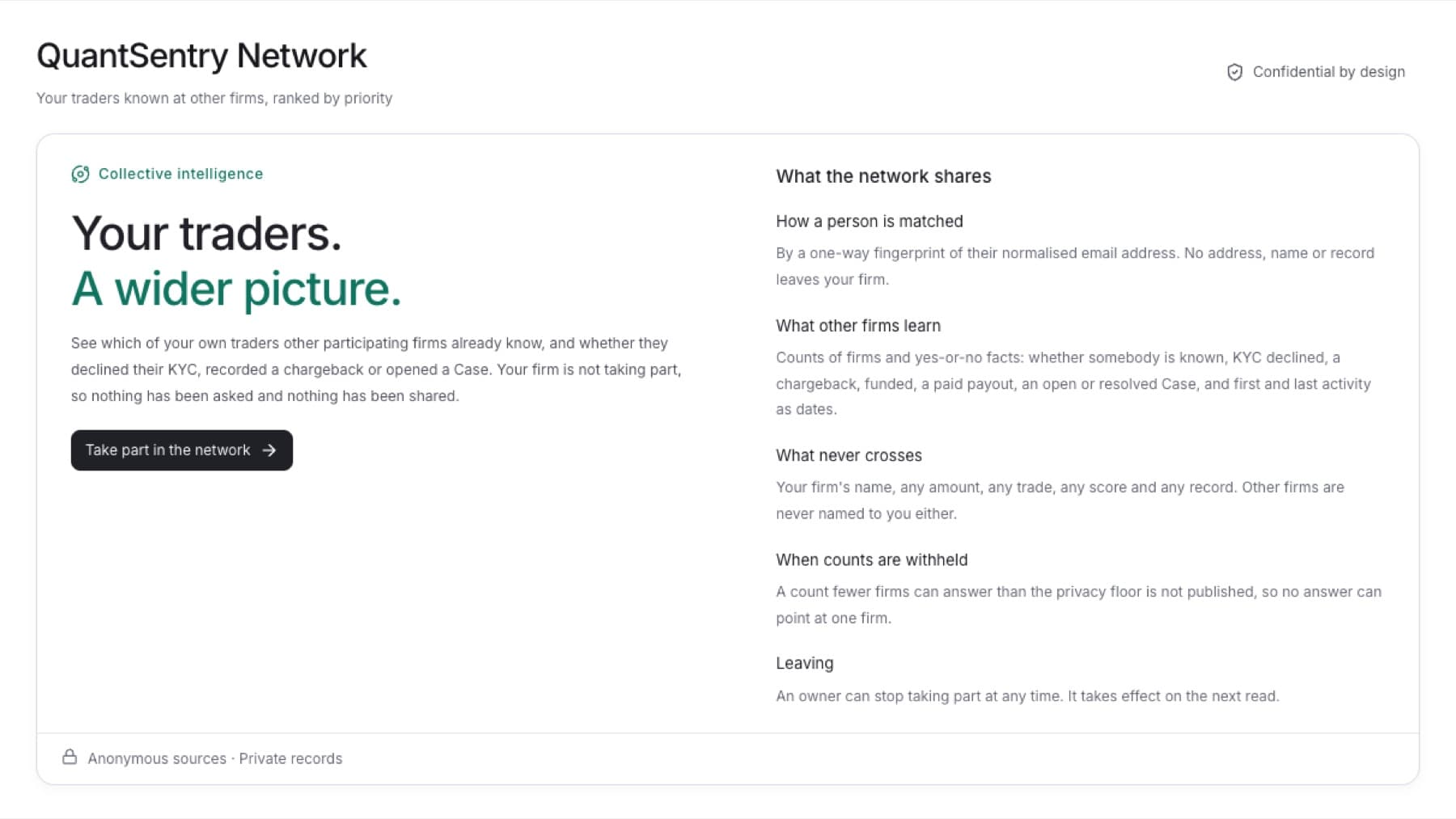
Turn on QuantSentry Network for your firm so you can see what other firms report about your traders. You need the Owner role. Other roles see An owner of this firm can turn participation on.
- Click QuantSentry Network in the side menu.
- Click Take part in the network.
- Read what your firm will share and what never crosses.
- Click Share and take part.
Result: The page states that your firm takes part. Counts appear after the first check is complete.
Tip: Your firm answers other firms with the same counts and yes-or-no facts it sees about yours. Nothing moves money, and nobody is named to anybody.
Stop taking part
- Click QuantSentry Network in the side menu.
- Click Stop taking part.
- Click Stop taking part in the dialog to confirm.
Result: Your firm stops answering other firms and stops seeing their answers. It takes effect on the next read.