
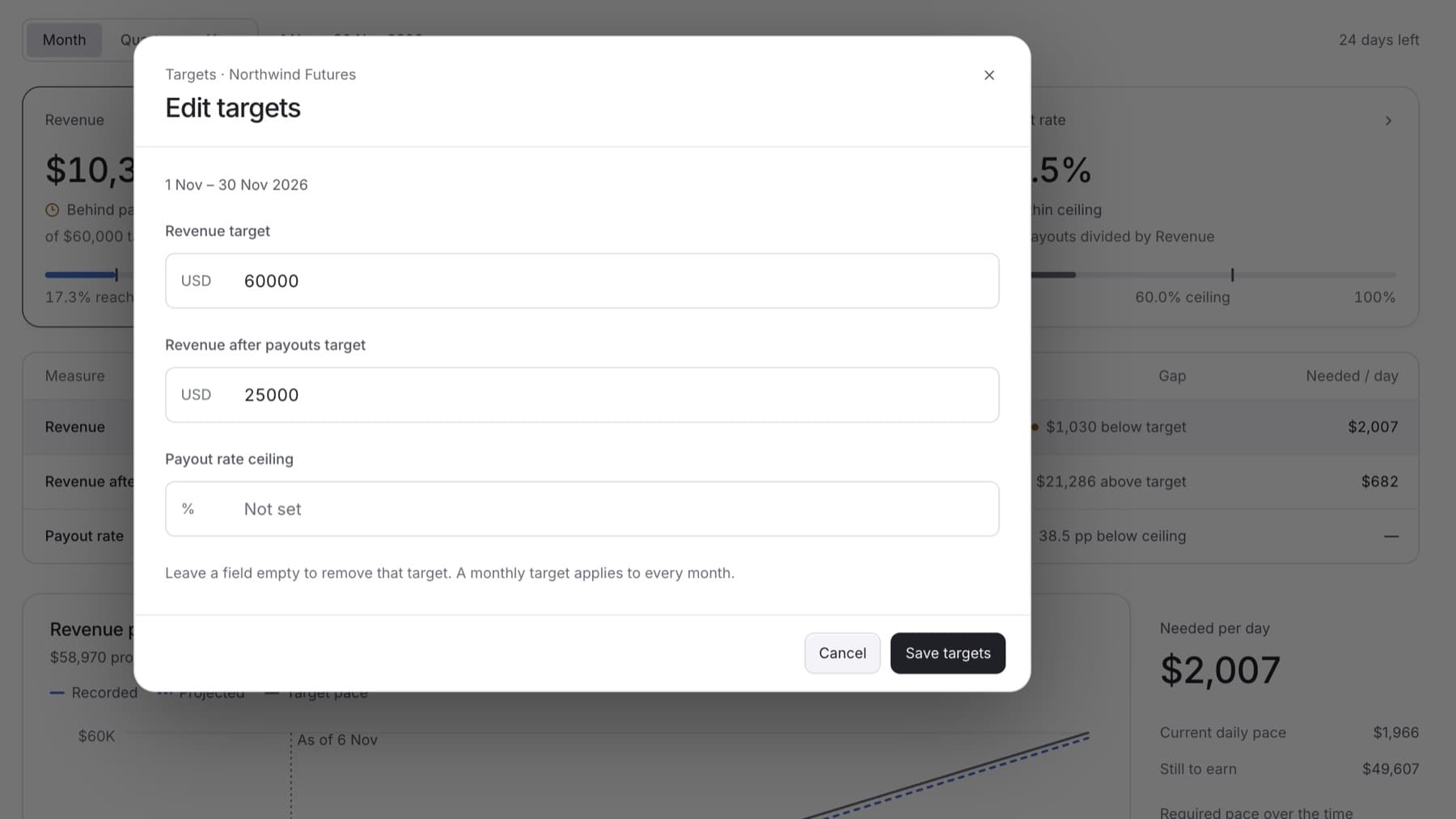
Remove a target your firm no longer tracks. You need the Owner role.
- In the sidebar, select Targets.
- Select the period of the target: Month, Quarter or Year.
- Select Edit targets.
- Clear the field of the target you want to remove.
Tip: Leave the field empty. Do not enter 0.
- Select Save targets.
Result: The card for that measure shows Not set. The recorded value stays visible.