
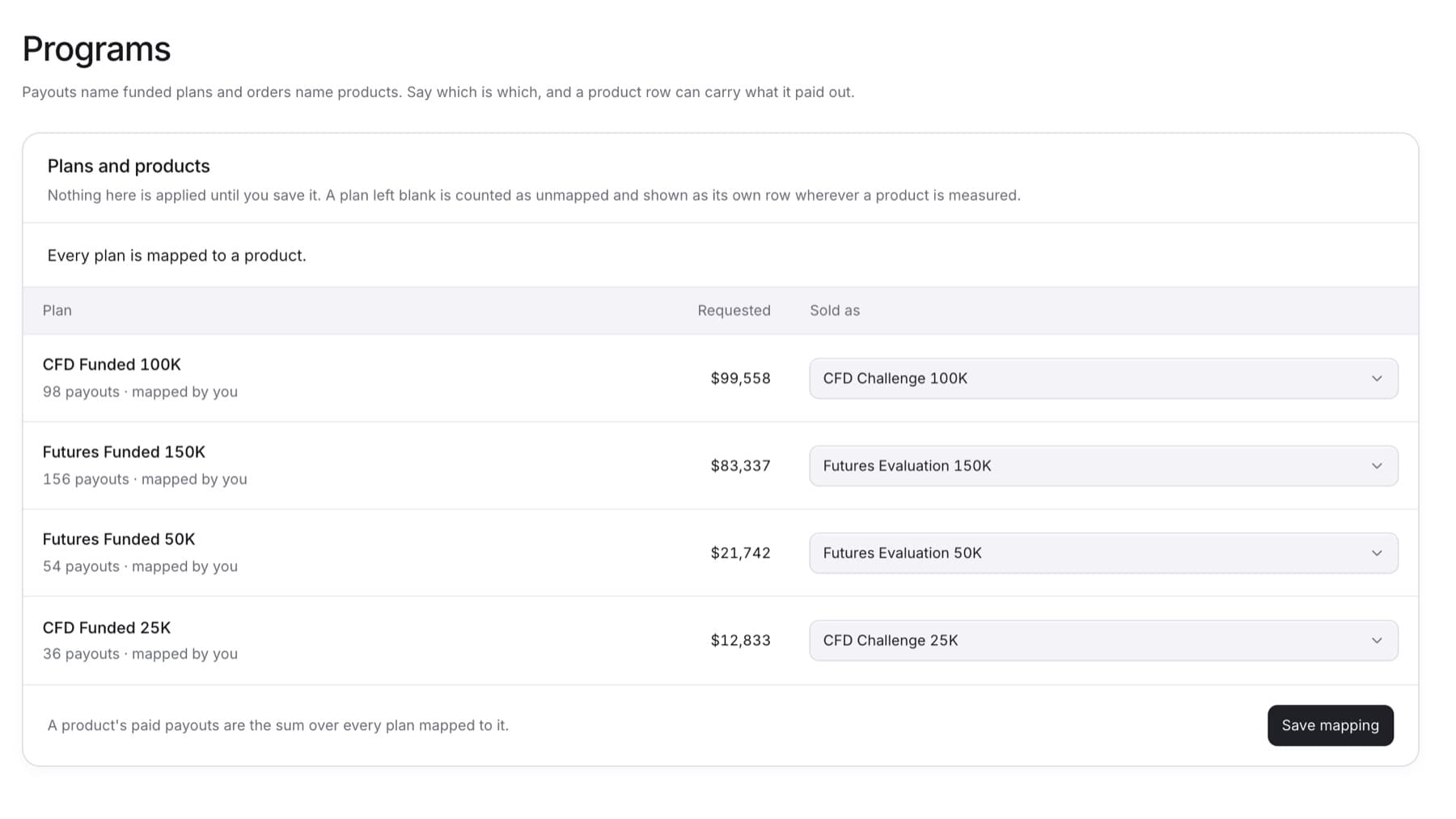
Link each funded plan to the product it was sold as, so Products can show paid payouts per product. You need the Owner role and a connected payout source.
- Select Settings, then under CONFIGURATION select Programs.
- Read the summary line above the list. It shows how much of the requested payouts is not linked to a product.
- In the list, find a plan.
- In its Sold as column, select the product the plan was sold as.
Tip: Leave Not mapped if the plan does not match any product. Some rows may already show a suggested product. Check each one before saving.
- Repeat steps 3 and 4 for each plan.
- Select Save mapping.
Tip: Nothing is applied until you save.
Result: The summary line updates. When every plan has a product, it reads Every plan is mapped to a product.