
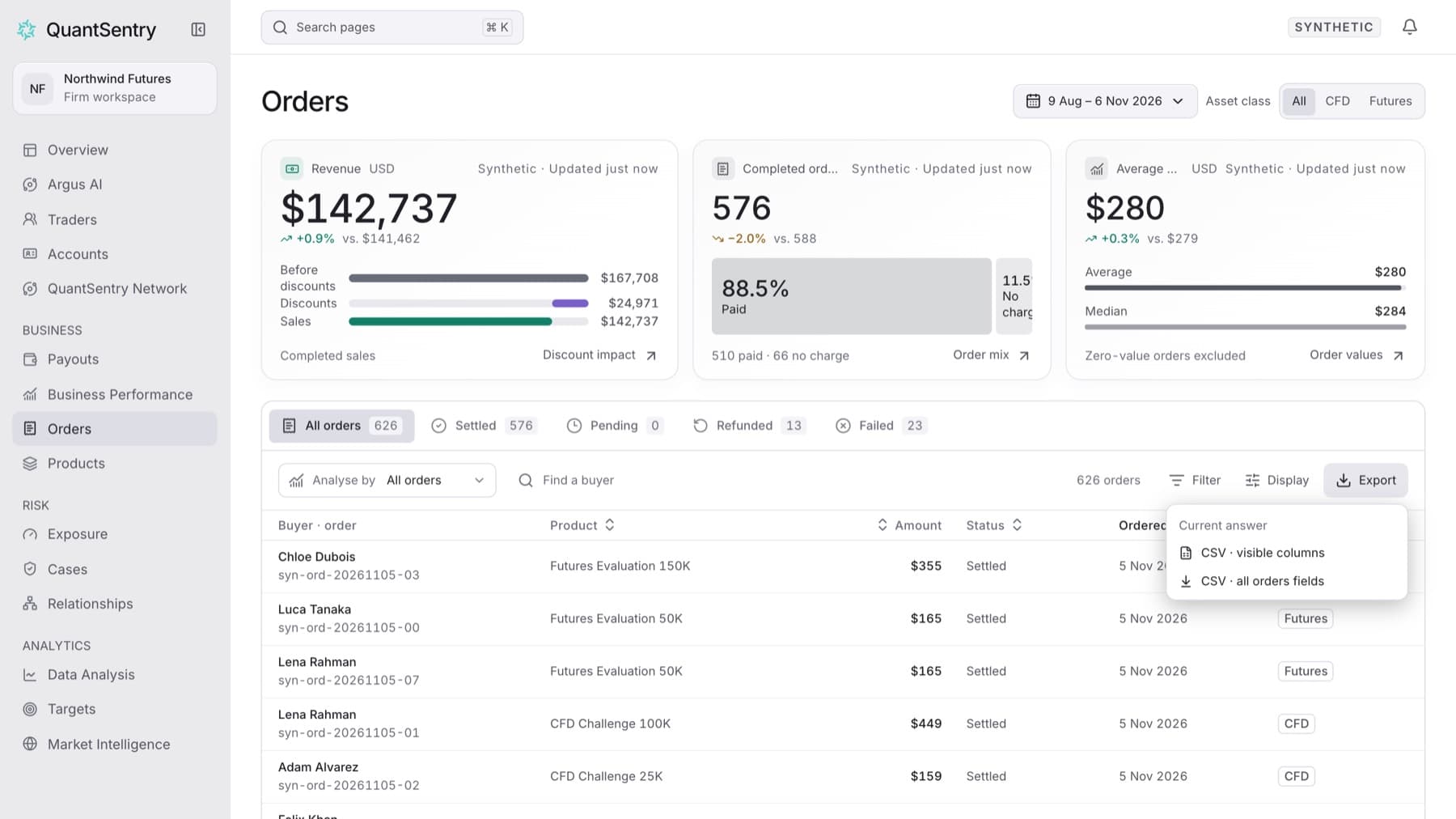
Download the orders on screen as a CSV file. Any workspace role can do this.
- Click Orders in the side menu.
- Open the period control and choose the period you want.
- Click a status tab, for example Settled, or keep All orders.
- Optional: type a name in Find a buyer, or click Filter and choose a field such as Product.
- Click Export.
- Click CSV · visible columns to export only the columns on screen, or CSV · all orders fields to export every field.
Result: Your browser downloads a CSV file with the same rows the list shows.
Tip: To include Email, Currency or Paid with in a visible-columns export, first click Display and turn them on under Display properties.